What Is Disposable Temporary Email? (Complete Guide)
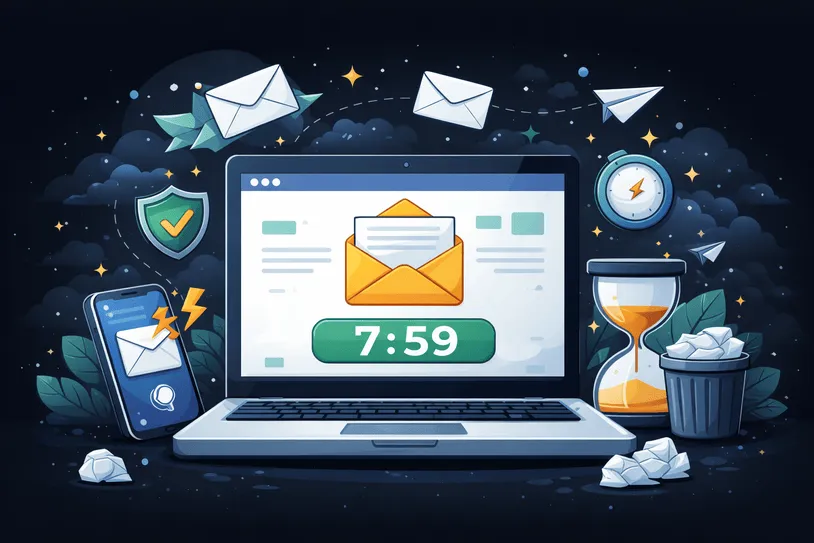
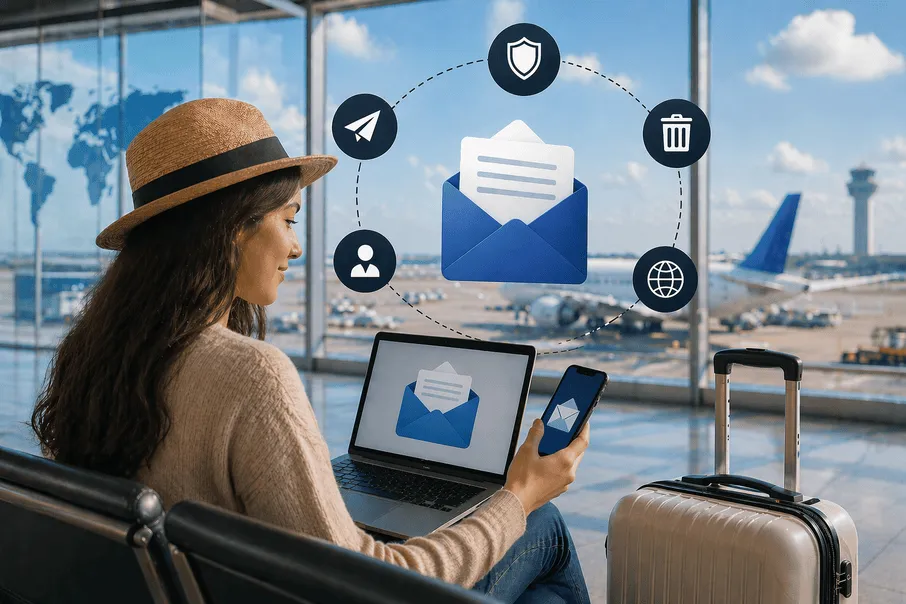
Disposable temporary email is a free email service that lets you receive messages at a short-lived address that automatically expires after a set period of time. Disposable temporary email also known as temp mail, temporary email, 10minute email, 10min mail, single use email, burner email, throwaway email, fake-email, trash mail. Instead of using your personal inbox, you get a randomly generated email address that can be used instantly-no signup, no password, no long-term commitment. Once the time limit is reached, the address and all its messages are permanently deleted, helping you stay private and clutter-free. Use temporary mail to sign up on websites, forums, or apps without exposing your real email address. It's also useful for avoiding spam, verifying OTPs, and protecting privacy during one-time activities.
Modern websites frequently require email verification for account creation, downloads, newsletters, or promotions. Sharing your personal email everywhere can lead to spam, unwanted marketing emails, and privacy concerns. Temporary email services provide a solution by generating disposable inboxes that automatically expire after a certain time. You can also explore how disposable inboxes work and manage aliases with our email forwarding feature.
Privacy First
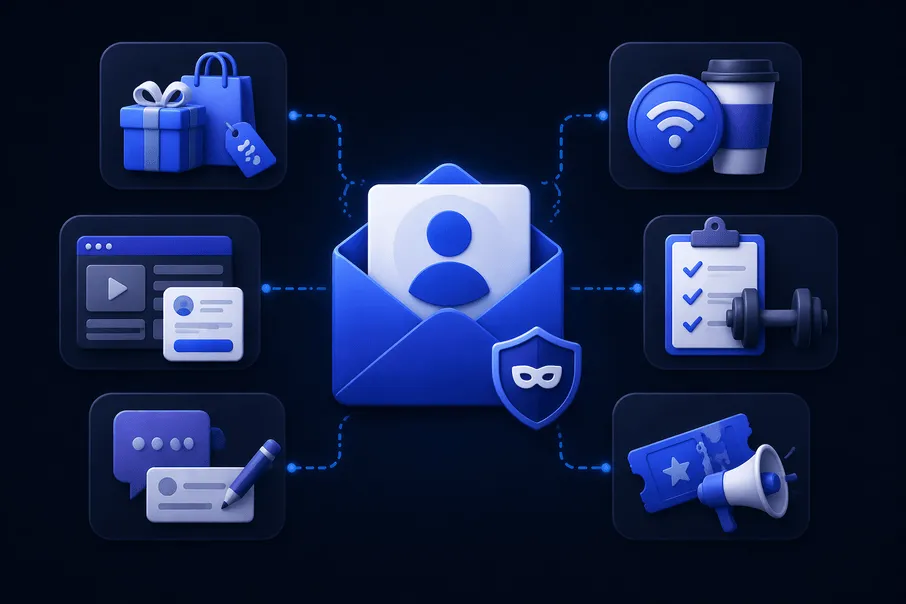
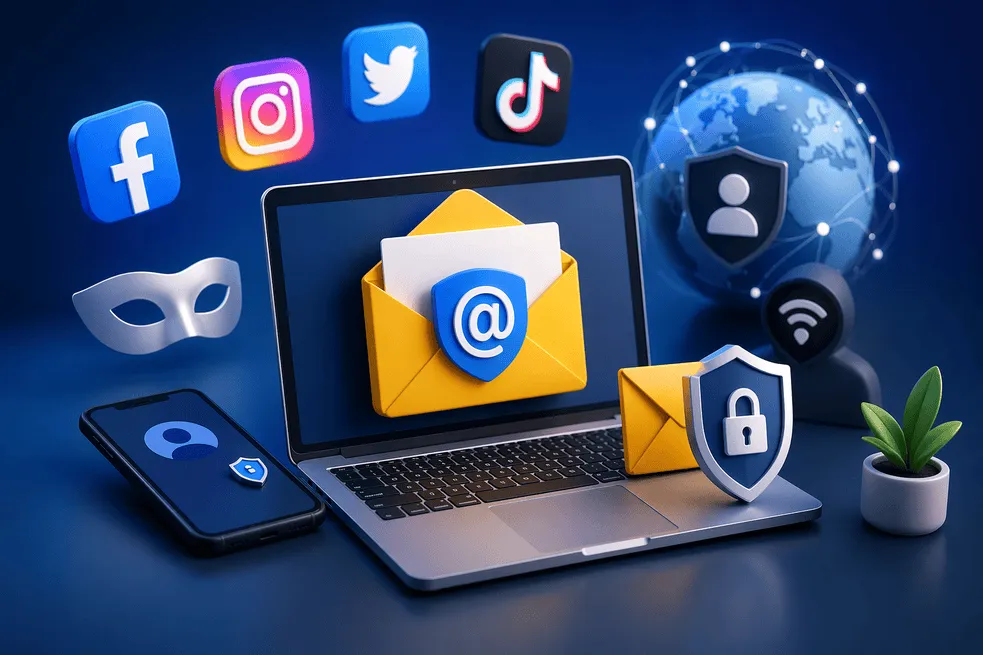
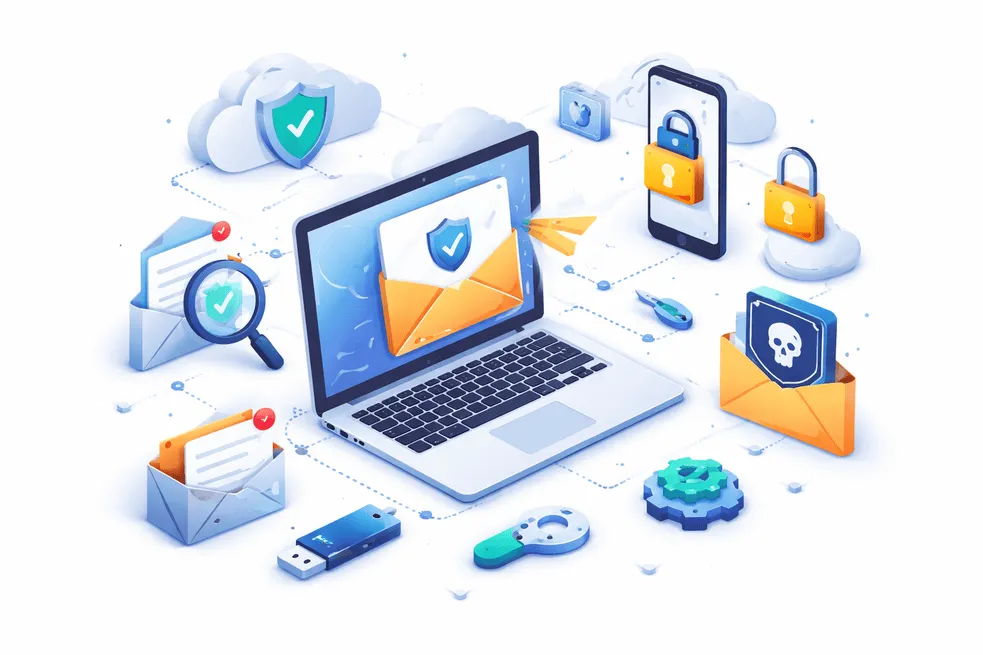
Use disposable email to avoid spam, protect your identity, and keep your main inbox clean.
How Temporary Email Works
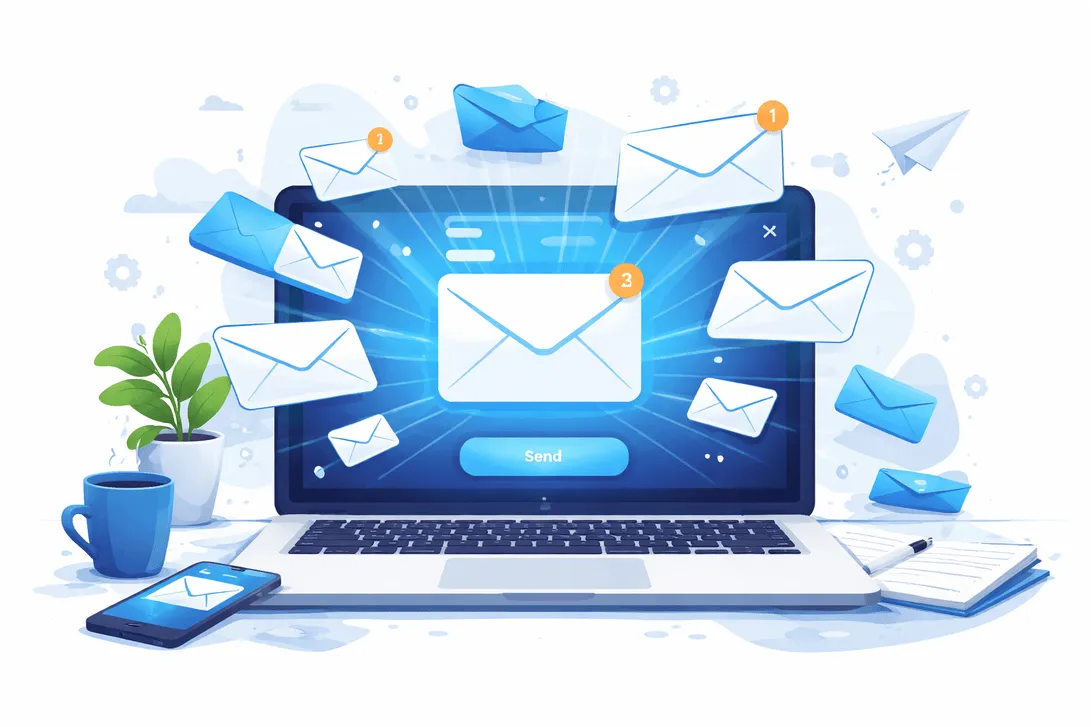
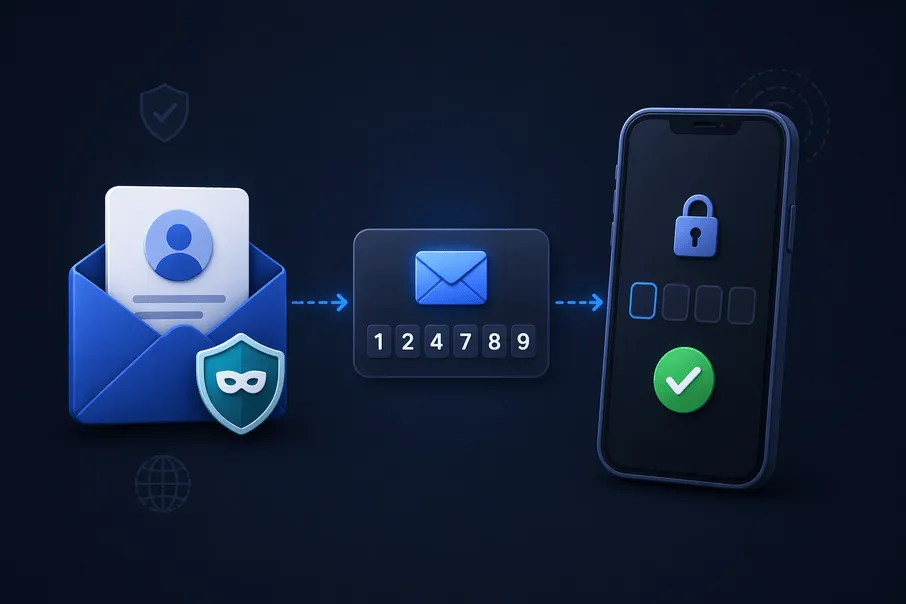
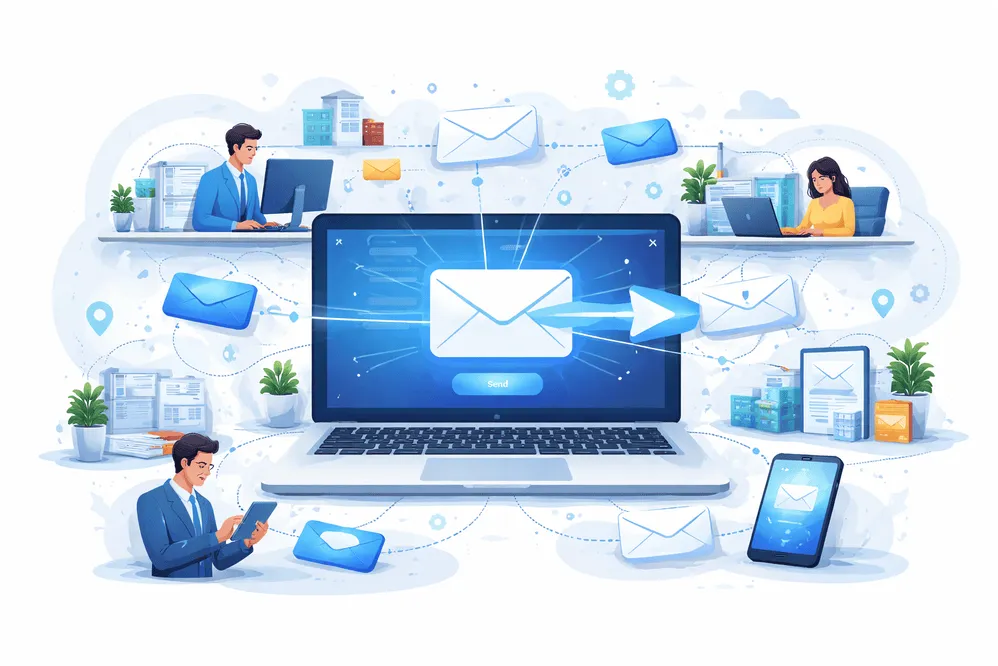
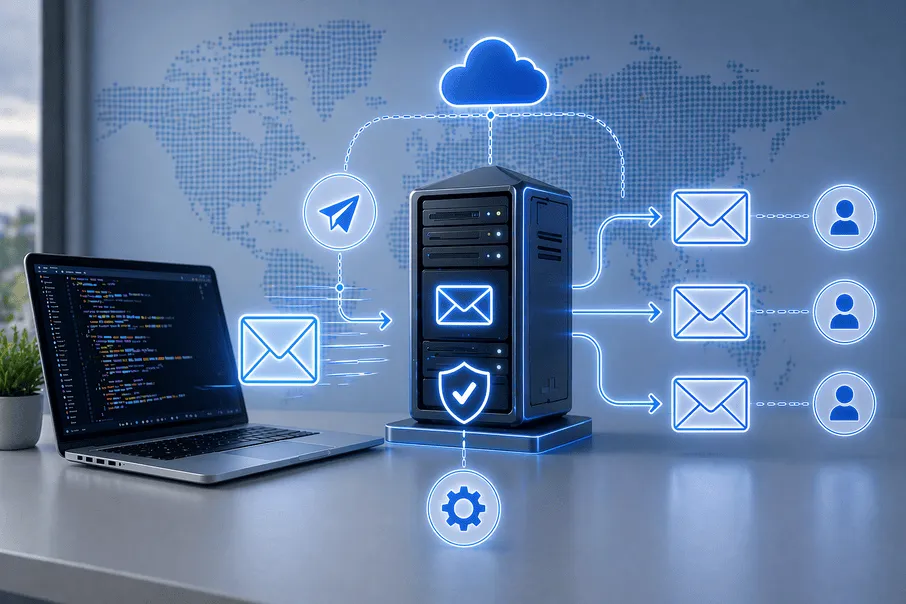
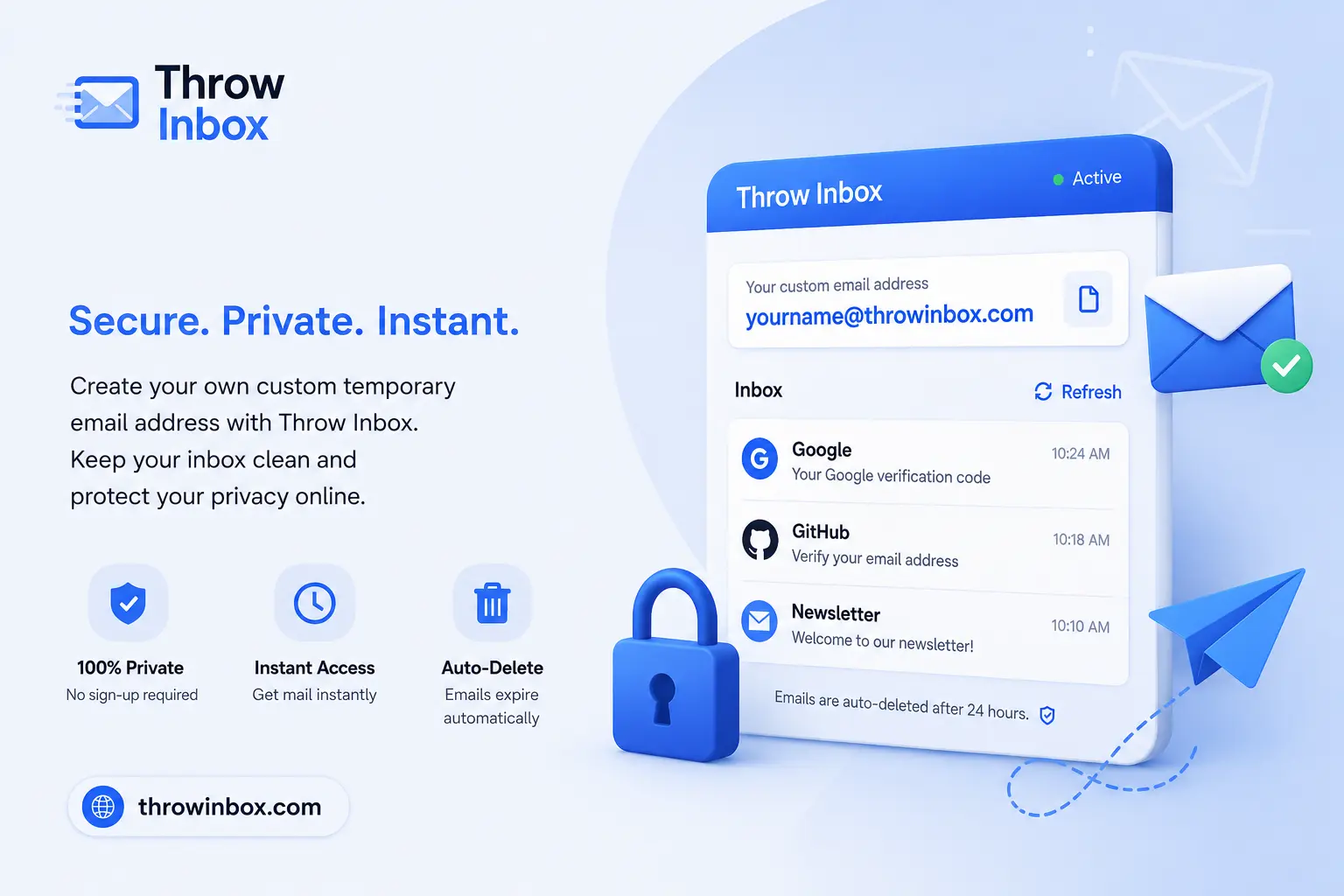
When you open a temporary email generator, the system automatically creates a random email address. This address is active immediately and can receive emails just like a normal inbox. Messages appear instantly on the page without needing to refresh or log in.
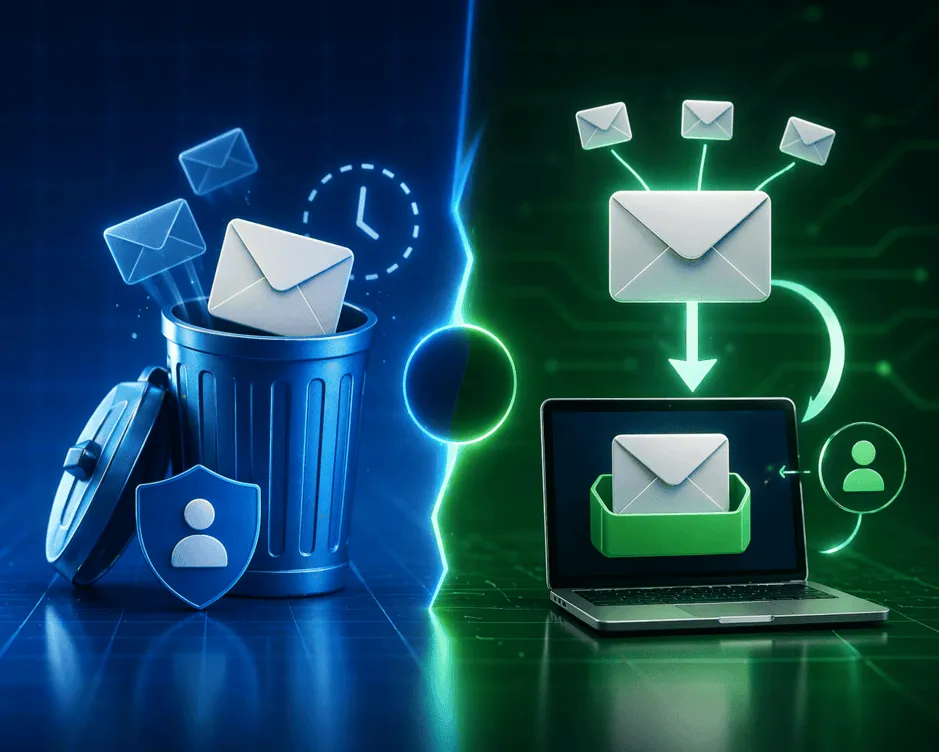
The inbox exists only for a limited time. After the expiration period, all stored messages are deleted automatically. This ensures your temporary address cannot be reused later by spammers or marketers.
Why People Use Temporary Email
Temporary email is widely used to protect privacy online. When users sign up for websites with their personal email, they often start receiving newsletters, promotional offers, and marketing campaigns. Disposable email addresses allow users to complete registrations without exposing their real inbox.
Another reason people use temporary email is convenience. Instead of creating multiple accounts on traditional email providers, users can instantly generate a new inbox whenever they need one.
Benefits of Disposable Email
Disposable email services offer several advantages. First, they prevent spam from reaching your main inbox. Second, they protect personal data by hiding your real email address from websites and online services.
Temporary email is also extremely fast. You can generate an address, receive a verification code, and complete a signup within seconds. There is no need to remember passwords or manage multiple email accounts.
Common Use Cases
People use disposable email in many situations. Many users start with our free temp email tool and then move to forwarding rules when they want more control. It is popular for testing apps, verifying accounts, downloading digital products, or joining online communities. Developers and QA teams also rely on temporary email services to test registration flows and email notification systems.
Temporary email is also useful when accessing public Wi-Fi networks or experimenting with new online services where privacy is important.
Temporary Email vs Regular Email
Traditional email services such as Gmail or Outlook are designed for long-term communication. For one-time verification and short-term use, our temporary email guide explains why disposable inboxes are more practical. They store emails permanently and connect to your personal identity.
Temporary email services focus on anonymity and short-term use. Messages automatically expire, making them ideal for quick signups, OTP verification, and one-time communications.
Email Forwarding with Temporary Aliases
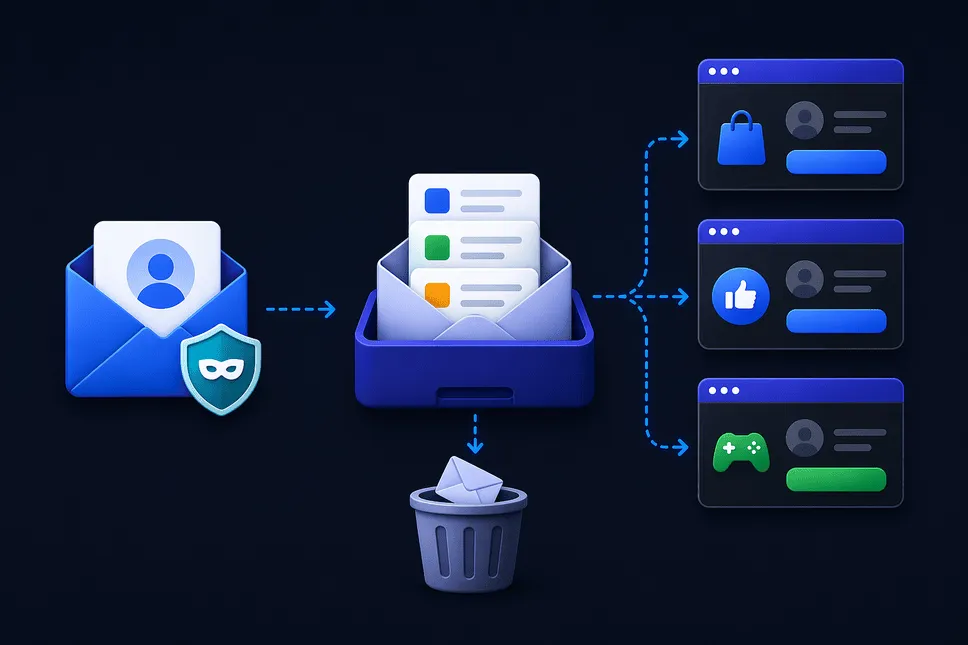
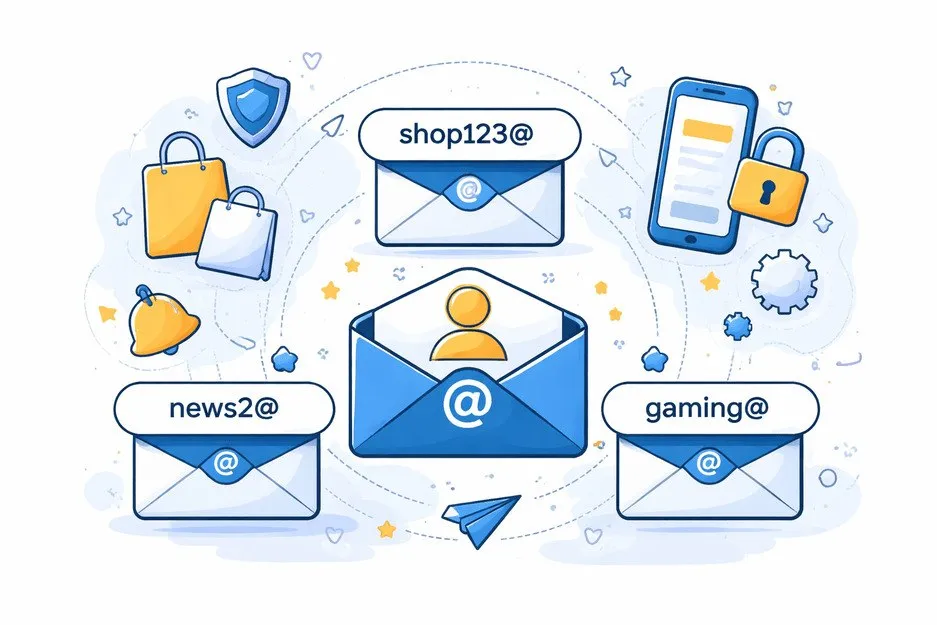
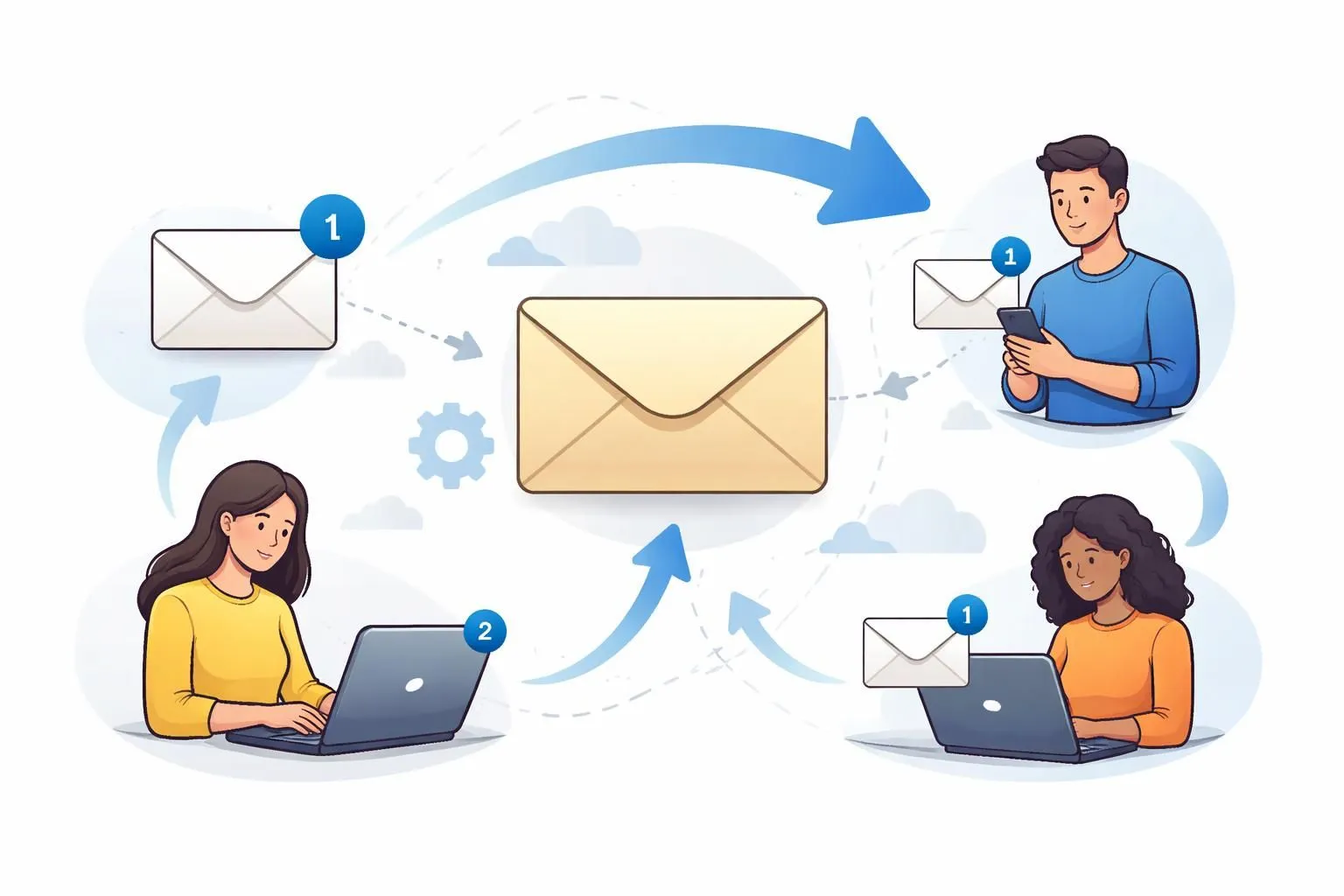
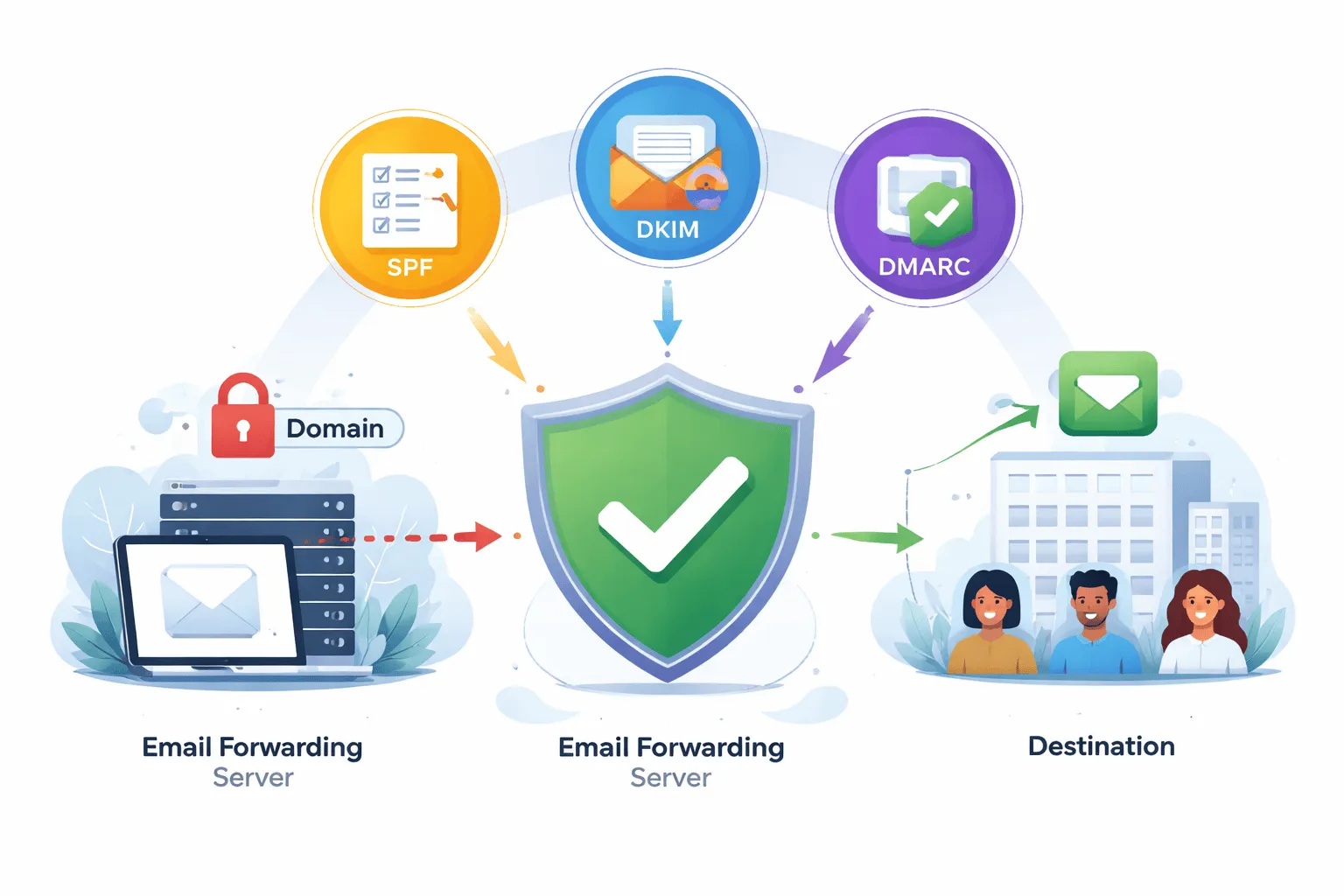
Some disposable email platforms support forwarding rules. Our email forwarding feature lets you route messages from a temporary alias directly to your real inbox while keeping your main email private. With forwarding enabled, emails sent to a temporary alias can be automatically redirected to your real inbox. This allows you to maintain privacy while still receiving important messages.
Forwarding aliases are especially useful for managing subscriptions or separating different types of communication online. You can learn more in our how it works article or create a new alias from the email forwarding page.
Is Temporary Email Safe?
Temporary email services are generally safe for everyday activities such as website registrations, downloads, and verification codes. However, they should not be used for sensitive information such as banking details or confidential communications.
Because inboxes expire automatically, temporary email should be treated as a short-term solution rather than a permanent communication tool.
Why Use Throw Inbox
Throw Inbox provides a fast and reliable disposable email experience. Users can generate temporary addresses instantly, receive verification messages, and forward emails to their real inbox when necessary. The platform is designed for speed, privacy, and simplicity so anyone can protect their inbox from spam while still accessing online services.
Whether you want to avoid spam, test applications, download resources, or maintain online privacy, disposable email is one of the most effective tools available today. For related tools, you can also visit our IP lookup tool and temporary inbox generator. With growing concerns about data privacy and marketing spam, temporary email services continue to gain popularity among internet users worldwide.
Best Practices When Using Temporary Email
While disposable email is very useful, it is important to understand when and how to use it correctly. Temporary inboxes are ideal for short-term tasks such as account verification, downloading free resources, testing applications, or accessing trial services. However, they should not be used for important long-term communication.
For example, if you create an account for banking, government services, or work communication, you should always use a permanent email account that you control. Temporary email addresses automatically expire and messages may be deleted permanently.
How Temporary Email Helps Protect Your Privacy
Online privacy is becoming increasingly important as companies collect large amounts of user data. Many websites request email addresses not only for communication but also for tracking and marketing purposes. Disposable email services create a protective barrier between you and those data collection systems.
By using a temporary email alias instead of your real inbox, websites cannot easily connect your identity across multiple services. This helps reduce targeted advertising, spam campaigns, and unwanted marketing emails.
Temporary Email and Spam Prevention
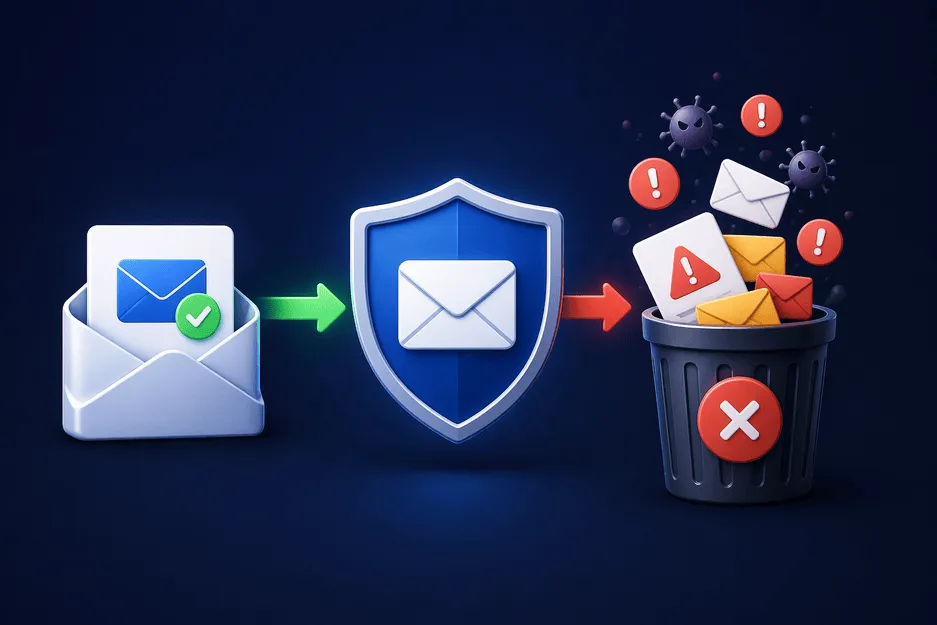
Spam emails remain one of the biggest annoyances for internet users. Marketing lists, promotional offers, and automated newsletters can quickly overwhelm your inbox. Disposable email addresses solve this problem by acting as a buffer.
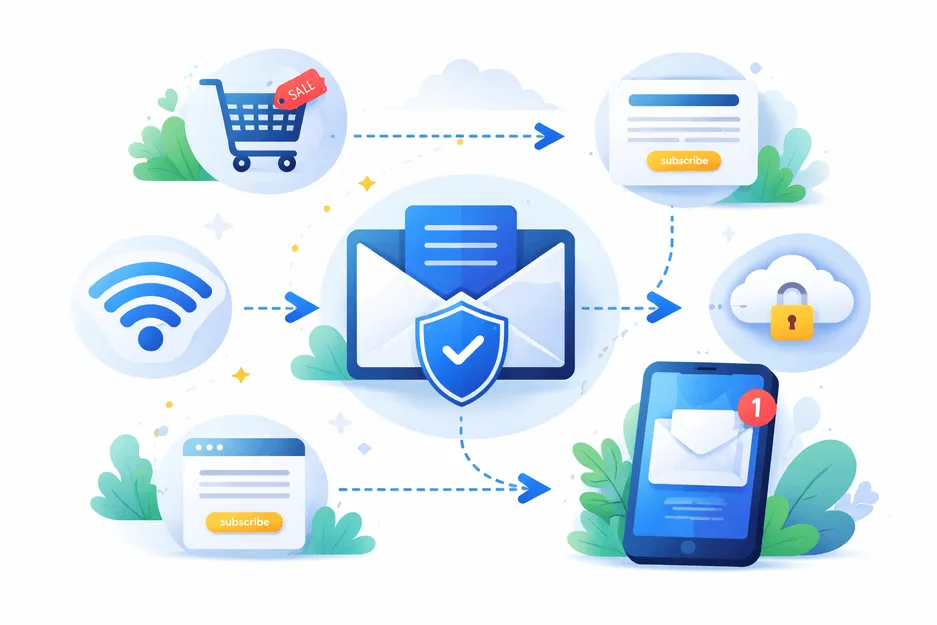
When you use a temporary email address for website signups, all promotional emails are delivered to the disposable inbox instead of your personal account. Once the inbox expires, the spam disappears automatically.