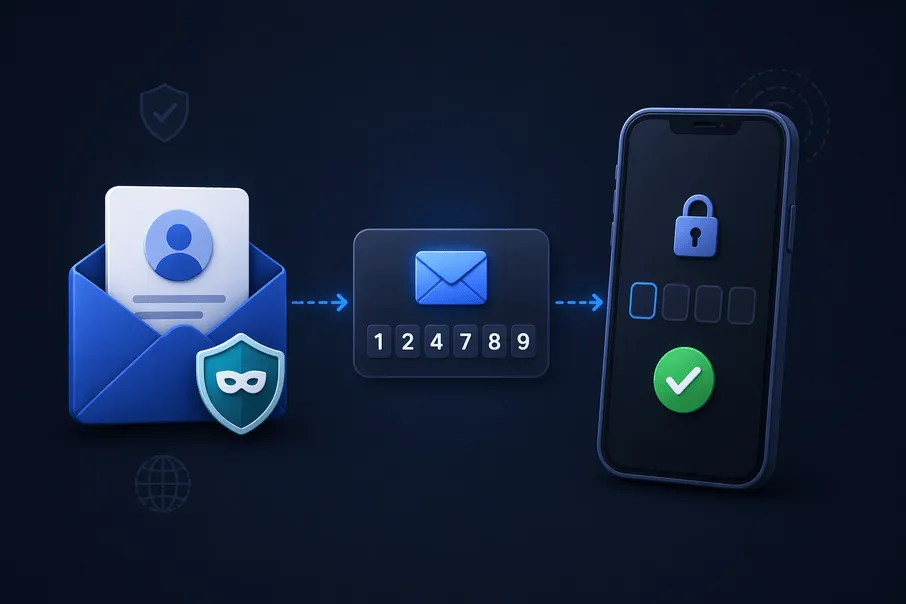
Most services send a one-time password (OTP) or a magic link to prove you control an email address. A temporary inbox receives those messages like any other mailbox—without handing your primary address to every app.
Tip: Finish the verification step before the inbox expires; many flows invalidate a code after a few minutes anyway.
The basic OTP flow
- Create an address on the temp mail page.
- Paste it into the signup or login form.
- Watch the inbox for the SMS-like code or link in the email body.
- Enter the code or click the link within the time limit the site gives you.

Why OTP mail sometimes delays
Email is not instant chat. Providers, greylisting, or corporate filters can add seconds to minutes. If nothing appears:
- Refresh the inbox view.
- Check whether the site sent to the exact address you copied.
- Try a different disposable domain if the sender blocks one provider.
Links instead of numeric codes
Some products email a sign-in link instead of digits. Tap or copy it promptly; links often expire faster than marketing expectations suggest.
Pair OTP hygiene with inbox choice
For low-stakes signups, temp mail reduces spam risk. For banking, payroll, or health, keep OTPs on the mailbox those institutions expect you to protect—with 2FA on the account itself.
Final thoughts
Temp mail and OTPs are a natural match for quick proof of address—if you respect timers, domain blocks, and sensitivity of the service you are joining. Use disposable inboxes where they shine, and permanent mail where safety and recovery matter most.
Frequently asked questions
Straightforward answers about safety, OTPs, how long inboxes last, recovery, and legality.
Will I receive OTP emails on temp mail?
Yes, in most cases. If the code does not arrive, check spam folders in the web inbox, try another domain, or wait briefly for delivery delays.
What if the code expires before I copy it?
Request a new OTP from the site and keep your disposable inbox open until the new message arrives.
Do all websites allow disposable domains?
No. Some block known disposable domains; rotating domains or using forwarding can help.
Is temp mail safe for banking OTPs?
Use your real mailbox and official bank apps for financial OTPs. Temp mail can expire or be less appropriate for regulated flows.
Can I use the same address for multiple OTPs?
Often yes until the inbox expires, but generating a fresh address per high-risk signup can limit cross-site correlation.