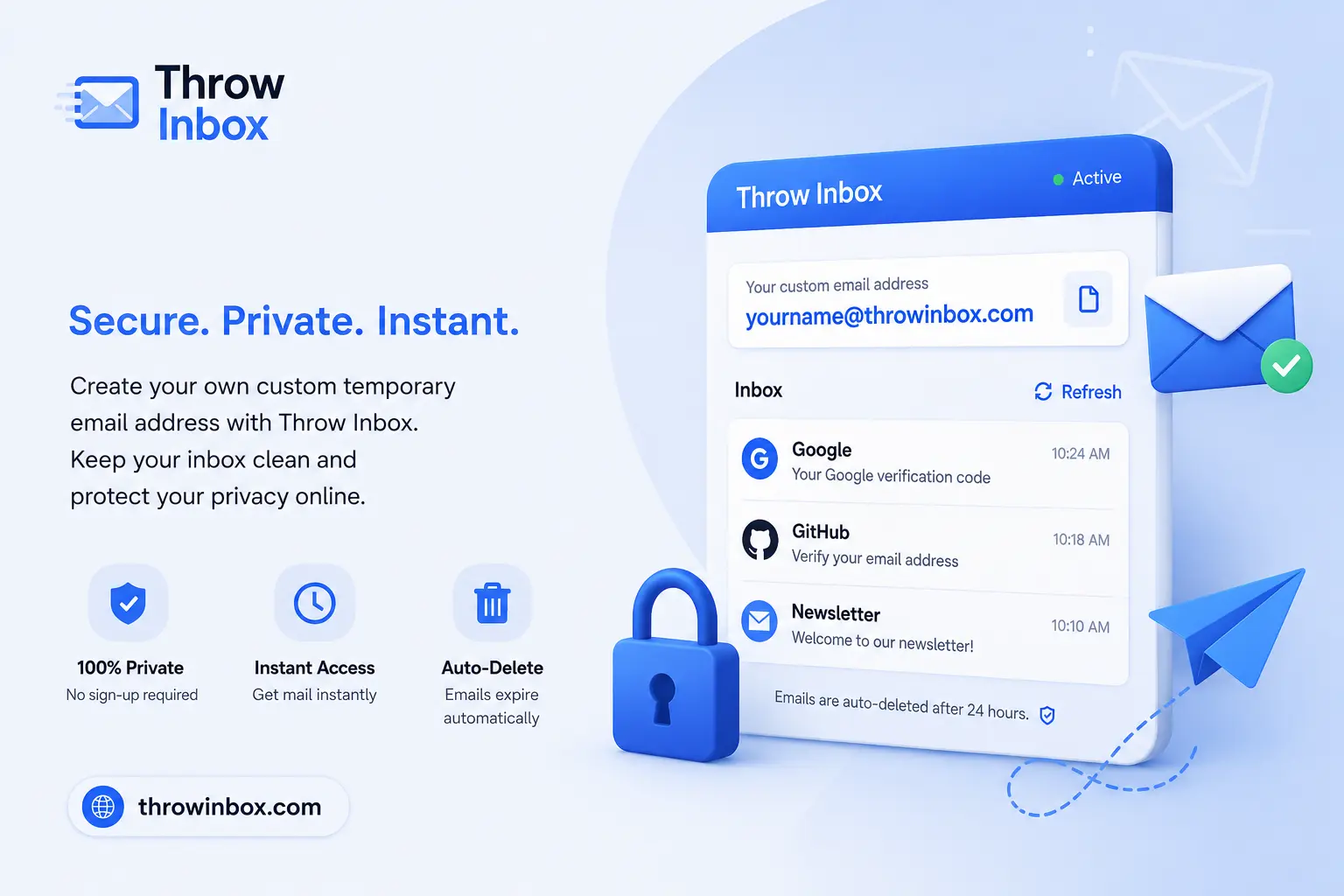
Introduction
Let's be honest — most of us have been there.
You sign up for a quick free trial, and suddenly your inbox is drowning in marketing emails. Or you use a random temporary email address, then forget which one you used for which service. Or worse, you hand over your real email just to access a single PDF download — and immediately regret it.
Here's the problem: standard temporary email tools solve the spam issue but create a new one — they give you a meaningless string of random characters as your inbox name. Something like xk92js@domain.com. Good luck remembering what that was for.
Custom Temp Mail flips this on its head.
Instead of a random address you'll forget in five seconds, you get to choose a meaningful inbox name — like freetrialtest@ or appreview@ — while keeping all the privacy and disposability that makes temporary email so useful in the first place.
In this guide, we'll break down exactly what Custom Temp Mail is, why it's better than traditional temp mail, how to use it with ThrowInbox, and how to get the most out of it for privacy, productivity, and peace of mind.
What Is Custom Temp Mail — And How Is It Different?
If you're already familiar with what temporary email is, you know the basics: a disposable inbox that receives emails without exposing your real address. Use it, then abandon it. Simple, effective, private.
Custom Temp Mail takes that same concept and adds one powerful upgrade: you control the username.
Traditional temp mail looks like this:
xk92js@domain.com
pq8mnt@domain.com
Custom Temp Mail looks like this:
netflixtrial@domain.com
shopoffers@domain.com
devtest01@domain.com
Same privacy. Same disposability. But now you actually know what it's for.
This isn't just a cosmetic upgrade. When you're managing multiple accounts, testing applications, or signing up for several services at once, organized inbox names save you real time and real headaches.
To understand how temporary email works under the hood, the mechanism is identical — your custom inbox is just as temporary and anonymous as a randomly generated one. The difference is entirely in how you experience it.
The Real Benefits of Custom Temp Mail
1. Inbox Organization That Actually Makes Sense
One of the most underrated advantages of Custom Temp Mail is how much cleaner your workflow becomes.
Instead of keeping a notes document that maps xk92js to "Netflix trial" and pq8mnt to "that survey site," you just name your inbox netflixtrial and surveytest. Done. No spreadsheet required.
For anyone running multiple signups at once — students, marketers, developers, researchers — this is a game-changer. You can instantly see which inbox belongs to which service, without any mental overhead.
2. Significantly Reduced Spam Exposure
This is the core promise of any disposable email service: your real inbox stays clean.
When you sign up for a free trial or a newsletter using a custom temporary address, marketers never get your real contact details. When the trial ends or you're done with the service, you simply stop using the address. The promotional emails keep coming — to an inbox you no longer check.
No unsubscribing. No filtering rules. No inbox clutter.
3. Better Privacy and Data Protection
Every time you share your real email address with a new website, you're adding another entry into another database. Some of those databases get sold. Some get breached. Either way, your information ends up somewhere you didn't intend.
Custom Temp Mail gives you a clean layer of separation between your real identity and unknown websites. Combined with good habits like avoiding email tracking and understanding browser fingerprinting, it's one of the most practical privacy tools available to everyday users.
For a deeper look at your rights around email data, check out our guide on temporary email and GDPR data rights.
4. Cleaner OTP and Verification Management
Many platforms now require email verification before you can access anything. Custom Temp Mail handles this perfectly — you get verification links and OTP codes delivered directly to your chosen inbox, without exposing your real contact.
And because your inbox name is meaningful, you always know which verification belongs to which platform. cryptoexchange@ gets the exchange confirmation. gamingaccount@ gets the game OTP. No confusion, no mixing things up.
5. Ideal for Developers and QA Teams
If you're a developer, you already know how painful it is to test registration flows, password resets, and transactional email sequences using your personal inbox.
Custom Temp Mail solves this cleanly. Instead of:
abc239@domain.com
You can create:
signup-test@domain.com
password-reset-test@domain.com
qa-user-01@domain.com
Each inbox maps to a specific test case. When you're looking back at your test logs or trying to reproduce a bug, you know exactly which inbox to check.
For more on this use case, read our full guide on temporary email for developers.
6. Perfect for Free Trials and SaaS Signups
Free trials are one of the most popular reasons people use temporary email — and for good reason. Signing up for every SaaS tool you want to evaluate with your real email address is a fast path to inbox chaos.
With Custom Temp Mail, you can create a dedicated inbox for each tool:
aitools-trial@
crm-test@
projectmgmt@
When the trial ends, the inbox is done. No cleanup required. This is far cleaner than relying on email aliases for online signups, which often still tie back to your real address.
7. Great for Students and Researchers
Students sign up for a staggering number of platforms — learning tools, research databases, survey platforms, student discount programs. Using your university email for all of these is a recipe for an overwhelmed inbox and potential data exposure.
Custom Temp Mail lets you create organized, purpose-specific inboxes for each activity. Our guide on the best ways students can use temp mail in 2026 covers this in detail.
8. Essential for Travelers
Airport WiFi, hotel networks, café hotspots — they all want your email before granting access. Handing over your real address every time is unnecessary.
A custom inbox like travelwifi@ handles all these signups cleanly, and when you're back home, you just stop using it. For a full breakdown of this use case, read our guide on temp email for travellers.
9. Recreate a Deleted Inbox and Still Receive Emails
This is one of the most underappreciated advantages of Custom Temp Mail — and it's something no randomly generated address can offer.
Because you chose the inbox name, you can recreate it at any time. Even if the inbox has expired or been discarded, simply typing the same username into ThrowInbox brings it back as a fully functional inbox.
Why does this matter? Think about what happens after you sign up for a service with a temporary email and then let that inbox go. Weeks or months later, you need to reset your password — and the reset link goes to that same address. With a random temp mail, that address is gone and unrecoverable. You're locked out.
With Custom Temp Mail, you just recreate the inbox using the same name. The password reset email arrives. You click the link. You're back in.
This makes Custom Temp Mail genuinely useful for accounts you plan to revisit occasionally, not just one-off signups. It's a level of practical continuity that traditional disposable email simply cannot provide — while still keeping your real inbox completely out of the picture.
Tip: If you know you might need to recover an account later, write down the custom inbox name you used. Recreating it takes seconds, and your access is restored without ever exposing your personal email address.
How to Create a Custom Temp Mail with ThrowInbox
Getting started with ThrowInbox takes less than a minute. Here's the full process:
Step 1: Visit ThrowInbox
Head to ThrowInbox and access the temporary email generator. No account required. No payment required. Nothing to install.
Step 2: Enter Your Preferred Inbox Name
Instead of accepting a randomly generated address, type in the alias you want to use and click on create. Make it descriptive and relevant to your purpose.
Good examples:
productdemosurveytestappreviewstudentresearchfreetrialtest
Avoid including your real name, birth year, or any personal identifiers.
Step 3: Generate the Address
ThrowInbox instantly creates a working temporary email address with your chosen alias. The inbox is live immediately.
Step 4: Use It Wherever You Need an Email
Copy the address and paste it into any signup form, verification field, or registration page. It works exactly like a standard email address.
Common scenarios:
- Creating accounts on platforms you're evaluating
- Signing up for newsletters or lead magnets
- Verifying accounts on online survey platforms
- Registering on gaming platforms
- Accessing social media platforms without exposing personal data
Step 5: Receive Emails Instantly
Incoming messages appear in your ThrowInbox inbox in real time. You can view:
- Verification links
- OTP codes
- Account activation emails
- Registration confirmations
No waiting. No refresh needed.
Step 6: Walk Away When You're Done
Once you've completed your purpose, simply stop using the address. No unsubscribing, no account deletion, no cleanup. The inbox becomes inactive, and any future emails sent to it go nowhere.
Tips for Getting the Most Out of Custom Temp Mail
Use Different Inboxes for Different Activities
Don't use one temporary address for everything. The whole point of the custom naming feature is organization. Create a unique inbox for each distinct purpose:
- One for shopping deals
- One for developer testing
- One for newsletter trials
- One for gaming accounts
This keeps your digital activities compartmentalized and easier to manage.
Never Use Temp Mail for Critical Long-Term Accounts
This is important. Temporary email addresses are exactly that — temporary. Don't use them for:
- Banking or financial services
- Government portals
- Long-term business accounts
- Any service where you'll need to recover your account later
For these, use your permanent email. Temp mail is for low-stakes, short-term interactions.
Keep Inbox Names Neutral
Your username is still visible to the websites you sign up with. Avoid using your real name, phone number, or anything that could identify you. Stick to purpose-based names like newslettertest or trialaccount.
Pair It With Other Privacy Tools
Custom Temp Mail is one layer of privacy, not the whole solution. For stronger protection, combine it with:
- A VPN when using public networks
- A browser that limits fingerprinting
- Habits that reduce email tracking exposure
If you're curious how temp mail compares to a full Gmail account for privacy, read our temp mail vs Gmail comparison.
Use It for High-Risk Signups First
If you're signing up for anything that feels even slightly uncertain — an unknown website, a promotional offer, a download portal — use Custom Temp Mail. Your real inbox should be reserved for services you know and trust.
This is especially true when connecting to public WiFi networks that require email verification just to grant access.
Take Control of Your Email Privacy — Try ThrowInbox Today
There's a better way to handle temporary email. One where you don't have to decode random strings to remember what inbox belongs to what service. One where your real email stays out of every marketing database, survey platform, and unknown website you interact with.
Custom Temp Mail with ThrowInbox gives you:
- A personalized inbox name you'll actually remember
- Full disposability when you're done
- Zero exposure of your real email address
- No registration, no passwords, no personal details required
- Instant delivery of OTPs, verification links, and activation emails
Whether you're a developer testing registration flows, a student signing up for learning platforms, a traveller connecting to airport WiFi, or simply someone who wants to browse and sign up without the spam — ThrowInbox has you covered.
Try ThrowInbox now and create your custom temporary email in seconds →
Frequently asked questions
Straightforward answers about safety, OTPs, how long inboxes last, recovery, and legality.
Can I recreate a deleted temporary email address?
Yes — this is one of the biggest advantages of Custom Temp Mail over randomly generated addresses. Because you chose the inbox name yourself, you can recreate it at any time simply by entering the same username in ThrowInbox. The inbox becomes active again instantly, ready to receive new emails — including password reset links for accounts you signed up with previously.
Is Custom Temp Mail different from regular temporary email?
Yes. Standard temporary email generates a random address automatically. Custom Temp Mail lets you choose your preferred inbox name while keeping the same disposability and privacy. The result is a more organized, meaningful experience.
Is a custom temporary email address still anonymous?
Yes. When you use ThrowInbox, no personal information is required to create an inbox. Your real email address is never revealed to the websites you sign up with.
Can I receive OTP codes and verification emails?
Yes. Custom Temp Mail works for all standard email types, including OTP codes and verification links. Most major platforms accept these inboxes for account verification.
How is Custom Temp Mail different from an email alias?
An email alias typically forwards messages to your real inbox. Custom Temp Mail is completely separate — no forwarding, no connection to your personal account. When you're done, the inbox simply ceases to exist.
Can developers use Custom Temp Mail for testing?
Yes, it's one of the best use cases. Developers can create descriptive test inboxes like `signup-test@` or `qa-user-02@` to keep their testing workflows organized. Read more in our guide on temporary email for developers.
Does Custom Temp Mail prevent spam from reaching my real inbox?
Yes. Since your real email address is never shared with the website or service, marketers and spammers cannot target it through that channel. Your primary inbox stays clean.
Is ThrowInbox free to use?
Yes. ThrowInbox offers free custom temporary email generation with no registration required.
Can I use Custom Temp Mail for free trials?
That's one of the most popular use cases. Creating a dedicated inbox like `netflixtrial@` or `aitools@` for each trial keeps things organized and prevents your real inbox from filling up with post-trial marketing.
How does Custom Temp Mail compare to email forwarding?
Email forwarding routes messages from one address to another, which still connects things to your real inbox eventually. Custom Temp Mail is fully isolated — nothing connects back to your personal email.
Is it safe to use temporary email on public WiFi?
Yes — in fact, it's one of the smartest things you can do. Public networks often require email verification for access. Using a custom temporary inbox means you're not handing your real contact details to networks you don't trust.