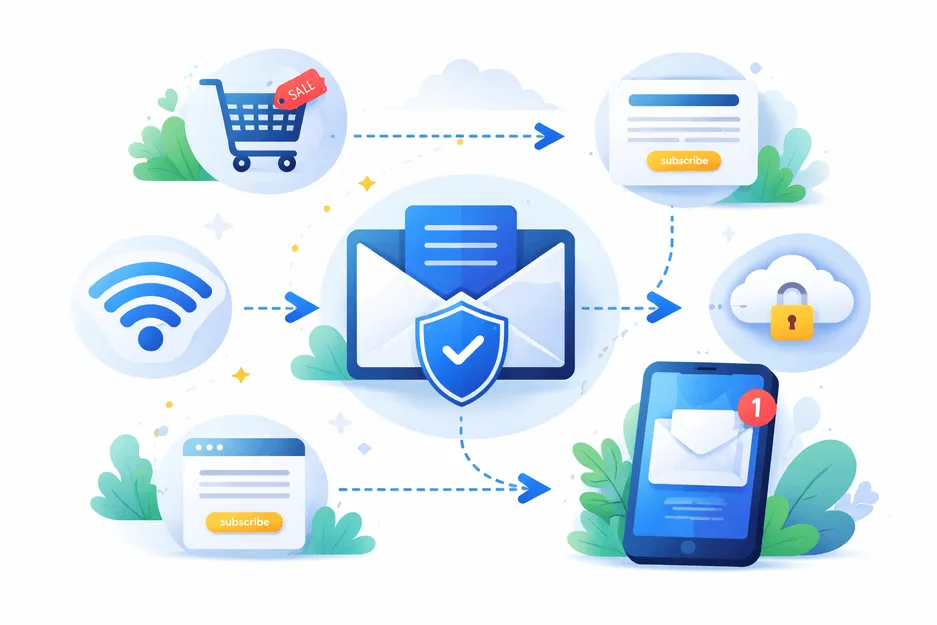
Every time you sign up for a website, download a resource, or connect to public WiFi, you expose your email address. Over time, this leads to spam, unwanted promotions, phishing attempts, and even data breaches.
This is where an email forwarder becomes a powerful solution.
An email forwarding service allows you to protect your real inbox by acting as a middle layer. Instead of sharing your personal email, you use a forwarding address that redirects messages safely to your main inbox.
If you want to stop spam emails, protect your inbox, and stay anonymous online, using an email forwarder is one of the most effective strategies today.
What Is an Email Forwarder?
An email forwarder is a tool that automatically redirects incoming messages from one email address to another. Instead of receiving emails directly, the email forwarding service ensures all messages are sent to your primary inbox without exposing your real email address.
In simple terms, an email forwarder acts like a shield between you and the internet.
Simple Example
- You create an email forwarder like
shopping@yourdomain.com - You use this email forwarding address for online purchases
- All emails are automatically forwarded to your real inbox
This approach helps you:
- Keep your real email private
- Track where emails are coming from
- Control unwanted messages
Types of Email Forwarding
Simple Email Forwarding
A single email forwarder redirects all emails to one inbox.Email Alias Forwarding
Multiple aliases (likenetflix@,amazon@) forward to one account.Disposable Email Forwarding
Temporary forwarding addresses used for short-term access.Conditional Email Forwarding
Emails are forwarded based on filters like sender or subject.
Benefits of Using an Email Forwarder
1. Protect Your Email Privacy
An email forwarder helps you stay anonymous by hiding your real email address. This reduces risks like:
- Data leaks
- Email scraping
- Identity tracking
2. Reduce Spam Emails
One of the biggest advantages of an email forwarding service is spam control. If an address starts receiving spam, you can disable that email forwarder instantly.
3. Better Inbox Management
Using multiple email forwarder addresses allows you to organize your inbox efficiently:
- Shopping emails
- Work-related emails
- Newsletter subscriptions
This improves overall inbox management and productivity.
4. Prevent Phishing Attacks
An email forwarder helps you detect suspicious emails. If a phishing message is sent to a specific alias, you know exactly where the issue started.
5. Control Your Digital Footprint
With an email forwarding system, you control who can contact you and when to stop them.
6. Simplify Email Routing
Instead of managing multiple inboxes, an email forwarder centralizes everything while maintaining separation.
How Email Forwarding Works
Understanding how email forwarding works is simple.
- A sender sends an email to your email forwarder
- The forwarding server processes the request
- The email forwarding service redirects the message
- You receive it in your primary inbox
This email routing mechanism ensures seamless communication without revealing your actual email address.
Behind the Scenes
- Uses mail servers and routing rules
- Supports automatic email forwarding
- Can include spam filtering and masking features
How to Use an Email Forwarder (Step-by-Step)
Setting up an email forwarder is quick and beginner-friendly.
Step 1: Choose an Email Forwarding Service
Select a reliable and secure email forwarding service for privacy.
Step 2: Create a Forwarding Address
Generate a unique email forwarder like:
offers@domain.comsignup@domain.com
Step 3: Connect to Your Inbox
Link your email forwarder to your main email account.
Step 4: Use It for Online Signups
Use your email forwarder for online signups, downloads, and subscriptions.
Step 5: Manage and Control
If spam increases:
- Disable the email forwarder
- Create a new one
- Stay protected
Tips for Using Email Forwarders Effectively
Use Unique Email Forwarders
Create a different email forwarder for each platform to track data leaks.
Combine with Disposable Emails
Use temporary email or burner email services for one-time verifications.
Avoid Sensitive Accounts
Do not use an email forwarder for banking or critical services.
Keep Naming Simple
Use clear naming for each email forwarding address.
Regularly Audit Forwarders
Remove unused email forwarder addresses to maintain control.
Enable Spam Protection
Use filters alongside your email forwarding service for better results.
CTA: Take Control of Your Inbox Today
Still dealing with spam and unwanted emails?
It’s time to upgrade your email strategy with an email forwarder.
Use ThrowInbox to create secure, private, and flexible forwarding addresses in seconds. Whether you need an email forwarder for spam protection, online signups, or privacy, ThrowInbox gives you full control.
- Protect your inbox
- Stay anonymous online
- Stop spam emails
Start using ThrowInbox today and experience smarter email forwarding.
Frequently asked questions
Straightforward answers about safety, OTPs, how long inboxes last, recovery, and legality.
What is an email forwarder?
An **email forwarder** is a service that redirects emails from one address to another while keeping your real inbox private.
How does email forwarding work?
**Email forwarding** works by routing incoming messages through a forwarding server to your main inbox.
Can an email forwarder reduce spam?
Yes, an **email forwarder** helps reduce spam by allowing you to disable compromised addresses.
Is email forwarding safe?
A trusted **email forwarding service** is safe and improves email privacy and security.
What is the difference between email forwarding and disposable email?
An **email forwarder** is reusable and long-term, while a **disposable email** is temporary.
Can I create multiple email forwarders?
Yes, you can create multiple **email forwarder** addresses for different uses.
Does an email forwarder store my emails?
Most email forwarding services do not store emails permanently. They simply route messages to your main inbox.
Can I use an email forwarder for business purposes?
Absolutely. Many businesses use email forwarding to manage support, sales, and team communication through different aliases.