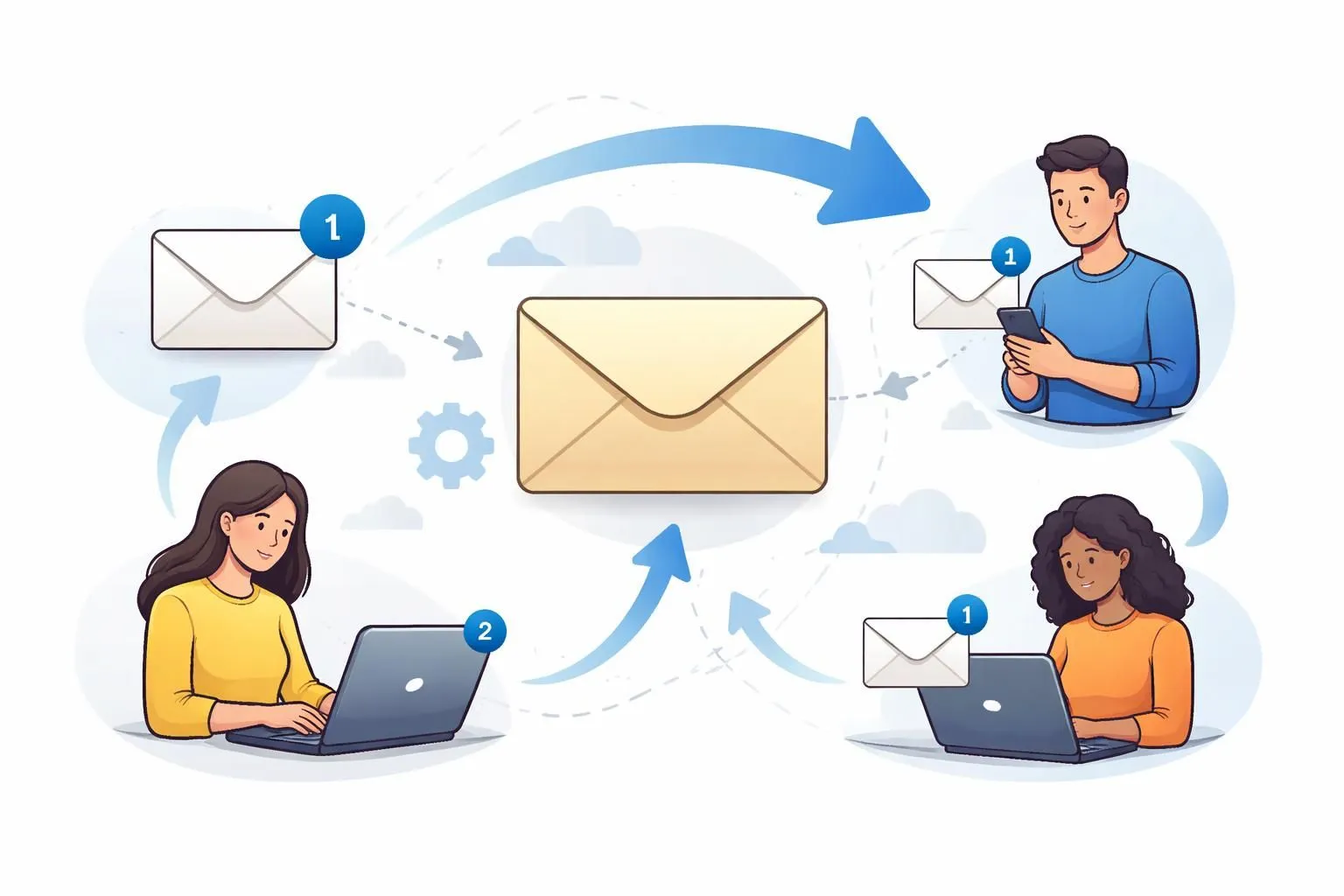
Introducción
Compartir su dirección de correo electrónico en línea se ha vuelto inevitable. Ya sea que se registre en un servicio, descargue un recurso o verifique una cuenta, la mayoría de las plataformas requieren un correo electrónico. Pero cada vez que ingresa su correo electrónico real, corre el riesgo de exponerse a spam, sobrecarga de marketing y posibles fugas de datos.
Con el tiempo, su bandeja de entrada se inunda de correos electrónicos no deseados, muchos de los cuales nunca solicitó. Peor aún, una vez que se comparte su correo electrónico, puede reutilizarse, venderse o quedar expuesto a violaciones de datos.
Podrías utilizar un correo electrónico temporal o un correo desechable para evitar esto, pero hay un problema. Los servicios de correo electrónico temporales tradicionales no le permiten conservar mensajes importantes más allá de un breve período de tiempo.
Aquí es donde el reenvío temporal de correo electrónico cambia las reglas del juego.
Con ThrowInbox, puedes usar un generador de correo electrónico temporal para crear una dirección de correo electrónico desechable y luego reenviar automáticamente los mensajes entrantes a tu bandeja de entrada real. Esto significa que obtienes lo mejor de ambos mundos: privacidad y comodidad.
En este artículo, analizaremos cómo funciona el reenvío temporal de correo electrónico, sus beneficios y cómo puede utilizarlo de forma eficaz.
¿Qué es el reenvío temporal de correo electrónico?
El reenvío temporal de correo electrónico es una versión avanzada de correo temporal.
En lugar de simplemente recibir correos electrónicos en una bandeja de entrada temporal, el sistema actúa como un reenviador de correo electrónico: redirige mensajes desde su dirección temporal a su dirección de correo electrónico real.
Definición sencilla
El reenvío temporal de correo electrónico es un sistema donde:
- Generas un correo electrónico desechable
- Los correos electrónicos enviados a esa dirección son recibidos por el sistema
- El sistema reenvía automáticamente esos correos electrónicos a su bandeja de entrada personal
Esto le permite:
- Mantenga privado su correo electrónico real
- Aún recibo mensajes importantes
- Evite perder el acceso después del vencimiento
Cómo funciona el reenvío de correo desechable
Para comprender el valor, es necesario comprender el mecanismo que hay detrás de él.
1. Generación de correo electrónico
Cuando visitas ThrowInbox, un generador de correo electrónico temporal crea una dirección única al instante.
Esto podría ser:
- Nombres de usuario aleatorios
- Múltiples opciones de dominio
- Bandejas de entrada generadas automáticamente
Esto es similar a un generador de correo electrónico aleatorio, pero con funcionalidad adicional.
2. Manejo del correo entrante
Cuando alguien envía un correo electrónico a su dirección temporal:
- El sistema lo recibe a través de sus servidores de correo.
- El mensaje se procesa y almacena temporalmente
Este es el mismo proceso que se utiliza en los sistemas estándar de correo desechable.
3. Capa de reenvío de correo electrónico
Aquí es donde las cosas se ponen interesantes.
En lugar de simplemente mostrar el correo electrónico en una bandeja de entrada temporal:
- El sistema actúa como un reenviador de correo electrónico
- Reenvía el mensaje a tu dirección de correo electrónico real
Este proceso se conoce como reenvío temporal de correo.
4. Entrega a tu bandeja de entrada real
Una vez reenviado:
- El correo electrónico aparece en su bandeja de entrada personal (como Gmail o Outlook)
- Puedes leerlo y almacenarlo normalmente.
Esto resuelve una de las mayores limitaciones del correo electrónico desechable.
5. Caducidad y limpieza automáticas
Aunque los correos electrónicos se reenvían:
- La bandeja de entrada temporal aún vence
- Los datos se eliminan automáticamente
Esto mantiene los beneficios de privacidad del correo desechable.
Por qué el reenvío temporal de correo electrónico es mejor que el correo temporal normal
El correo temporal tradicional es útil, pero limitado.
Comparemos:
| Característica | Correo electrónico temporal | Reenvío temporal de correo electrónico |
|---|---|---|
| Privacidad | Alto | Alto |
| Retención de correo electrónico | Bajo | Alto |
| Comodidad | Medio | Alto |
| Riesgo de perder correos electrónicos | Alto | Bajo |
| Acceso real a la bandeja de entrada | No | Sí |
Con el reenvío, no tienes que monitorear constantemente una bandeja de entrada temporal ni preocuparte por perder mensajes importantes.
Beneficios de utilizar el reenvío temporal de correo electrónico
1. Proteja su dirección de correo electrónico real
Al utilizar un generador de correo electrónico desechable, nunca expones tu correo electrónico real a plataformas desconocidas.
2. Evite el spam por completo
El spam va a tu correo temporal, no a tu bandeja de entrada principal. Sólo se reenvían los correos electrónicos relevantes.
3. Nunca pierdas correos electrónicos importantes
A diferencia del correo estándar de 10 minutos, el reenvío garantiza que no pierdas el acceso a mensajes críticos.
4. Permanezca en el anonimato
Un generador de correo electrónico falso te ayuda a interactuar en línea sin revelar tu identidad.---
5. Simplifique la gestión del correo electrónico
En lugar de hacer malabarismos con varias bandejas de entrada, todo llega a un solo lugar.
6. Perfecto para verificaciones y OTP
Utilice un correo electrónico desechable para registrarse y aún así reciba correos electrónicos de verificación de forma segura.
7. Mejor control de la comunicación
Tú decides cuándo utilizar el correo electrónico temporal y cuándo volver a tu correo electrónico real.
Casos de uso de la vida real
1. Registrarse para nuevos servicios
Utilice un correo electrónico temporal para evitar el spam a largo plazo.
2. Acceso a recursos gratuitos
Descargue libros electrónicos, herramientas o plantillas utilizando un correo desechable.
3. Pruebas de aplicaciones
Los desarrolladores pueden utilizar un generador de correo electrónico aleatorio para probar flujos de trabajo.
4. Protección contra fugas de datos
Incluso si una plataforma es pirateada, su correo electrónico real permanece seguro.
5. Foros y mercados en línea
Utilice un correo desechable para interacciones temporales.
Cómo utilizar el reenvío de correo electrónico de ThrowInbox
Paso 1: Visita ThrowInbox
Abra ThrowInbox en su navegador.
Paso 2: generar un correo electrónico temporal
Utilice el generador de correo electrónico temporal para obtener una nueva dirección.
Paso 3: habilitar el reenvío
Ingrese su dirección de correo electrónico real para activar el reenvío de correo temporal.
Paso 4: Utilice el correo electrónico temporal
Regístrese o interactúe en línea usando su correo electrónico temporal.
Paso 5: Reciba correos electrónicos en su bandeja de entrada
Todos los mensajes se reenviarán instantáneamente a su correo electrónico real.
Paso 6: Déjalo caducar
El correo electrónico temporal caducará automáticamente, lo que garantiza la privacidad.
Consejos para utilizar el reenvío temporal de correo electrónico de forma eficaz
1. Uso para sitios web que no son de confianza
Utilice siempre un correo electrónico desechable cuando no esté seguro acerca de una plataforma.
2. Evite cuentas confidenciales
No utilice correo desechable para servicios bancarios o críticos.
3. Supervise su bandeja de entrada
Aunque se reenvíen los correos electrónicos, manténgase alerta ante el spam o los intentos de phishing.
4. Utilice diferentes correos electrónicos para diferentes propósitos
Combinar:
- Correo electrónico principal
- Correo electrónico secundario
- Correo temporal
5. Actualice los correos electrónicos temporales con regularidad
Utilice un generador de correo electrónico aleatorio para mantener la privacidad.
6. Tenga cuidado con el filtrado
Algunos correos electrónicos pueden estar marcados como spam; revisa tu carpeta de spam.
Llamado a la acción (CTA)
Si desea proteger su bandeja de entrada sin perder correos electrónicos importantes, el reenvío temporal de correos electrónicos es la solución más inteligente.
ThrowInbox le ofrece potentes herramientas para generar correo temporal, utilizar un generador de correo electrónico temporal y habilitar el reenvío de correo temporal sin interrupciones, todo en un solo lugar.
Sin registro. Sin problemas. Simplemente manejo de correo electrónico limpio, privado y eficiente.
Comience a usar ThrowInbox hoy y experimente el siguiente nivel de privacidad y control del correo electrónico.
Preguntas frecuentes
Respuestas claras sobre seguridad, OTP, duración, recuperación y legalidad.
¿Qué es el reenvío temporal de correo electrónico?
Es un sistema donde los correos electrónicos enviados a un correo electrónico temporal se reenvían automáticamente a su bandeja de entrada real.
¿Es seguro el reenvío de correo electrónico?
Sí, cuando se utilizan plataformas confiables, es seguro para uso general.
¿Puedo responder a los correos electrónicos reenviados?
Puede responder desde su bandeja de entrada real, pero utilizará su dirección de correo electrónico real.
¿Cuánto dura un correo electrónico temporal?
Algunos servicios ofrecen correo de diez minutos, mientras que otros permiten duraciones más largas.
¿Cuál es la diferencia entre correo desechable y reenvío?
El correo desechable solo recibe correos electrónicos temporalmente, mientras que el reenvío los envía a su bandeja de entrada real.
¿Puedo usar esto para la verificación OTP?
Sí, el reenvío temporal de correo electrónico funciona bien para OTP y enlaces de verificación.
¿Los sitios web bloquean los correos electrónicos temporales?
Algunos lo hacen, pero muchos servicios rotan los dominios para seguir funcionando.