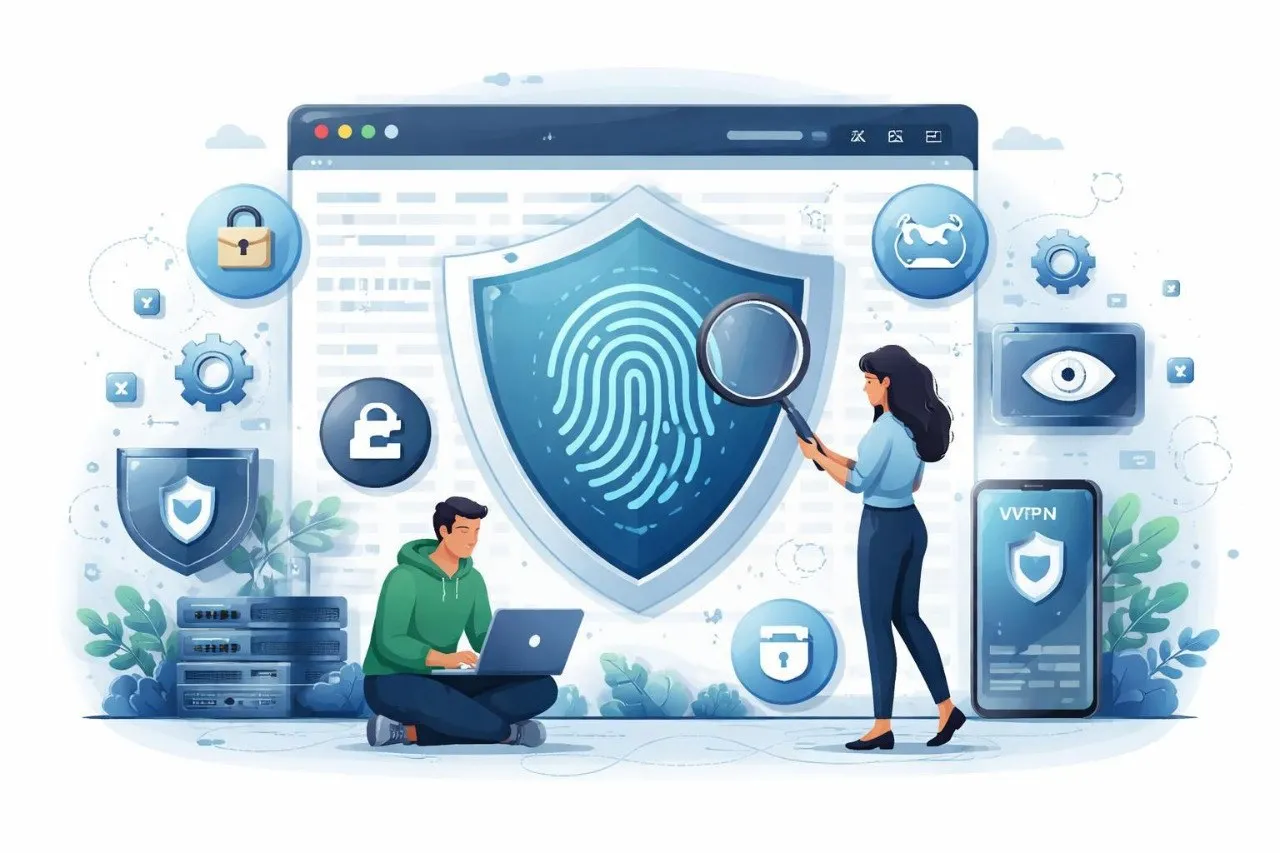
Cómo proteger su privacidad de las huellas dactilares del navegador
Piense en la última vez que visitó un sitio web.
No te registraste. No ingresaste tu correo electrónico. No aceptaste cookies.
Y sin embargo... de alguna manera, el sitio parecía "recordarte".
Eso no es una coincidencia.
Es algo llamado huella digital del navegador: un método de seguimiento silencioso que funciona entre bastidores y recopila pequeños detalles sobre su dispositivo para crear una identidad única. Sin ventanas emergentes. Sin advertencias. Sin permiso.
Sólo seguimiento.
La mayoría de la gente cree que borrar las cookies o usar el modo incógnito es suficiente para mantener la privacidad. Pero la realidad es muy diferente. El seguimiento moderno ya no depende únicamente de las cookies.
Su propio navegador se convierte en su identidad.
Todo, desde el tamaño de su pantalla y el tipo de dispositivo hasta sus fuentes y complementos, se puede combinar para crear una huella digital única, una que lo sigue a través de Internet.
Y una vez identificado, sus datos se pueden utilizar para:
- Realice un seguimiento de sus hábitos de navegación
- Construir perfiles de comportamiento detallados
- Dirigirse a usted con anuncios, correos electrónicos e incluso estafas.
Se siente intrusivo, porque lo es.
Pero aquí está la buena noticia: puedes defenderte.
Al combinar prácticas de privacidad inteligentes con herramientas como un generador de correo electrónico temporal, puede reducir significativamente el seguimiento y proteger su identidad en línea.
En esta guía, aprenderá cómo funciona la toma de huellas digitales del navegador, por qué es peligrosa y cómo proteger su privacidad utilizando herramientas inteligentes como generadores de correo electrónico temporales, métodos anti-seguimiento y Throwinbox.
¿Qué es la huella digital del navegador y cómo funciona?
Huellas digitales del navegador es una técnica de seguimiento que recopila información sobre su dispositivo y navegador para identificarlo de forma única.
A diferencia de las cookies, no almacena nada en su dispositivo. En cambio, observa cómo se comporta su navegador.
Cómo funciona
Cuando visita un sitio web, puede recopilar:
- Tipo y versión del navegador.
- Sistema operativo
- Resolución de pantalla
- Fuentes instaladas
- Zona horaria e idioma.
- Complementos y extensiones
- Detalles del hardware del dispositivo
Individualmente, estos detalles parecen inofensivos. Pero cuando se combinan, crean una huella digital única.
Incluso se pueden distinguir millones de usuarios utilizando este método.
Por qué es más peligroso que las galletas
Las cookies se pueden eliminar. Las huellas dactilares no pueden.
- Las cookies se pueden borrar
- Las cookies requieren consentimiento
- Las cookies son visibles
Pero las huellas dactilares:
- Funciona en silencio
- No se puede quitar fácilmente
- Pistas entre sesiones
Dónde se usa
La toma de huellas digitales del navegador es ampliamente utilizada por:
- Redes publicitarias
- Herramientas de análisis
- Sistemas de detección de fraude
Pero también por:
- Corredores de datos
- Rastreadores maliciosos
- Plataformas de vigilancia
Conozca en detalle cómo funcionan los sistemas de correo electrónico temporal cómo funciona el correo electrónico temporal
Por qué las huellas dactilares del navegador amenazan su privacidad
1. Seguimiento invisible
No ves que suceda, pero siempre está activo.
2. Seguimiento entre sitios web
Incluso sin iniciar sesión, los sitios web pueden reconocerte.
3. Elaboración de perfiles de datos
Su comportamiento se analiza para construir:
- Intereses
- Preferencias
- Hábitos en línea
4. Mayor spam y segmentación
Una vez rastreados, sus datos pueden usarse para marketing y spam.
Proteja su bandeja de entrada del seguimiento no deseado y del spam evite los correos electrónicos no deseados
5. Pérdida del anonimato
Incluso los usuarios de VPN pueden ser identificados mediante huellas dactilares.
Beneficios de protegerse de las huellas dactilares
Comprenda los conceptos básicos de la privacidad del correo electrónico desechablequé es el correo electrónico temporal
Manténgase verdaderamente anónimo
Reduzca su huella de identidad digital.
Tome el control de sus datos
Decidir qué información se comparte.
Evite los anuncios dirigidos
Menos seguimiento = menos anuncios molestos.
Protege tu bandeja de entrada
Combine la protección de huellas dactilares con un generador de correo electrónico temporal para evitar el spam.
Experiencia en línea más segura
Especialmente cuando:
- Usando WiFi público
- Registrarse en sitios desconocidos
- Servicios de prueba
Cómo proteger su privacidad de las huellas dactilares del navegador
1. Utilice un generador de correo electrónico temporal
Incluso si se rastrea su navegador, no es necesario que se rastree su identidad.
Un generador de correo electrónico desechable te ayuda a:- Manténgase en el anonimato
- Evite vincular su correo electrónico real
- Prevenir el spam
Guía paso a paso para crear cómo hacer un correo electrónico desechable
2. Deshabilitar las funciones de seguimiento
Apagar:
-WebGL
- Toma de huellas dactilares en lienzo.
- Cookies de terceros
3. Utilice navegadores centrados en la privacidad
Navegadores como Brave o Firefox (con configuraciones estrictas) reducen el seguimiento.
4. Limitar extensiones
Más extensiones = más singularidad = seguimiento más fácil.
5. Utilice una VPN (protección en capas)
La VPN oculta la IP, pero no elimina por sí sola las huellas dactilares.
6. Evite vincular cuentas
No uses la misma identidad en todas partes.
7. Combínelo con una estrategia de correo electrónico desechable
Comparar métodos de privacidadcorreo electrónico desechable versus reenviador de correo electrónico
Cómo utilizar Throwinbox para obtener la máxima privacidad
Paso 1: abrir Throwinbox
Ir a la página de inicio de throwinbox
Paso 2: Genera un correo electrónico gratuito
Generador de correo electrónico temporal instantáneo: no es necesario registrarse.
Paso 3: Úselo para registros
Úselo para:
- Aplicaciones
- Sitios web
- Wi-Fi pública
Paso 4: Reciba OTP y correos electrónicos
Aprenda el uso de OTP de forma seguracorreo temporal para verificación de OTP
Paso 5: Permanezca en el anonimato
Deje que el correo electrónico caduque sin dejar rastro.
Consejos avanzados para reducir las huellas dactilares
Usar configuración predeterminada
Las configuraciones personalizadas te hacen único.
Bloquear JavaScript (selectivo)
Algunas huellas dactilares se basan en guiones.
Utilice el navegador Tor
Estandariza a los usuarios para reducir la unicidad.
Borrar datos periódicamente
Elimina el caché y los datos almacenados.
Evite inicios de sesión múltiples
Especialmente entre plataformas.
Proteja su identidad en plataformas sociales privacidad de las redes sociales con correo electrónico temporal
Diferencia entre cookies y huellas dactilares
| Característica | Galletas | Toma de huellas dactilares |
|---|---|---|
| Almacenamiento | Almacenado en el dispositivo | Sin almacenamiento |
| Controlar | Se puede eliminar | Difícil de eliminar |
| Visibilidad | Visible para el usuario | Invisibles |
| Seguimiento | Limitado | Persistente |
La toma de huellas digitales del navegador es poderosa e invisible.
Pero eso no significa que estés indefenso.
Combinando:
- Hábitos de navegación inteligentes
- Herramientas anti-seguimiento
- Un generador de correo electrónico gratuito confiable
Puede proteger su identidad y recuperar el control de su privacidad.
CTA: Proteja su identidad con Throwinbox
Tu privacidad es tu poder. Retírelo hoy. Deja de ser rastreado. Empieza a navegar de forma segura.
Utilice Throwinbox para:
- Generar correo electrónico al instante
- Manténgase anónimo en línea
- Evite el spam y el seguimiento
- Protege tu bandeja de entrada real
Comience a usar Throwinbox hoy y tome el control de su privacidad digital hoy con el mejor generador de correo electrónico gratuito y reenviador de correo electrónico disponible.
Preguntas frecuentes
Respuestas claras sobre seguridad, OTP, duración, recuperación y legalidad.
¿Qué es la huella digital del navegador?
Es un método para identificar a los usuarios en función de las características de su navegador y dispositivo.
¿Se puede detener por completo?
No, pero se puede reducir significativamente.
¿Es suficiente el modo incógnito?
No. No impide la toma de huellas dactilares.
¿Por qué utilizar un generador de correo electrónico temporal?
Para evitar vincular su identidad con su actividad de navegación.
¿Pueden las huellas dactilares rastrearme sin cookies?
Sí, ese es su objetivo principal.
¿Es seguro Throwinbox?
Sí, proporciona acceso temporal al correo electrónico seguro y anónimo.
¿Puede una VPN detener la toma de huellas digitales del navegador?
Una VPN oculta su dirección IP, pero no impide por completo la toma de huellas digitales del navegador. Para mantenerte protegido, debes combinar una VPN con navegadores de privacidad, herramientas antiseguimiento y un generador de correo electrónico temporal.
¿El bloqueo de cookies detiene la toma de huellas digitales?
No. Bloquear las cookies ayuda a reducir el seguimiento, pero las huellas digitales del navegador funcionan independientemente de las cookies.
¿Pueden los correos electrónicos temporales protegerme de las huellas dactilares?
Un generador de correo electrónico temporal no detiene la toma de huellas digitales por sí solo, pero evita que su identidad real se vincule a la actividad rastreada.