Einführung
Die Weitergabe Ihrer E-Mail-Adresse online ist unvermeidlich geworden. Unabhängig davon, ob Sie sich für einen Dienst anmelden, eine Ressource herunterladen oder ein Konto bestätigen, benötigen die meisten Plattformen eine E-Mail-Adresse. Aber jedes Mal, wenn Sie Ihre echte E-Mail-Adresse eingeben, riskieren Sie, sich Spam, Marketingüberflutung und potenziellen Datenlecks auszusetzen.
Mit der Zeit wird Ihr Posteingang mit unerwünschten E-Mails überschwemmt – viele davon haben Sie nie angefordert. Schlimmer noch: Sobald Ihre E-Mail geteilt wurde, kann sie wiederverwendet, verkauft oder bei Datenschutzverletzungen offengelegt werden.
Sie könnten eine temporäre E-Mail oder eine Einweg-E-Mail verwenden, um dies zu vermeiden – aber es gibt einen Haken. Herkömmliche temporäre E-Mail-Dienste ermöglichen es Ihnen nicht, wichtige Nachrichten über einen kurzen Zeitraum hinaus aufzubewahren.
Hier verändert die temporäre E-Mail-Weiterleitung das Spiel.
Mit ThrowInbox können Sie einen temporären E-Mail-Generator verwenden, um eine Wegwerf-E-Mail-Adresse zu erstellen und eingehende Nachrichten dann automatisch an Ihren echten Posteingang weiterzuleiten. Das bedeutet, dass Sie das Beste aus beiden Welten erhalten: Privatsphäre und Komfort.
In diesem Artikel erläutern wir die Funktionsweise der temporären E-Mail-Weiterleitung, ihre Vorteile und wie Sie sie effektiv nutzen können.
Was ist temporäre E-Mail-Weiterleitung?
Die temporäre E-Mail-Weiterleitung ist eine erweiterte Version von temporärer E-Mail.
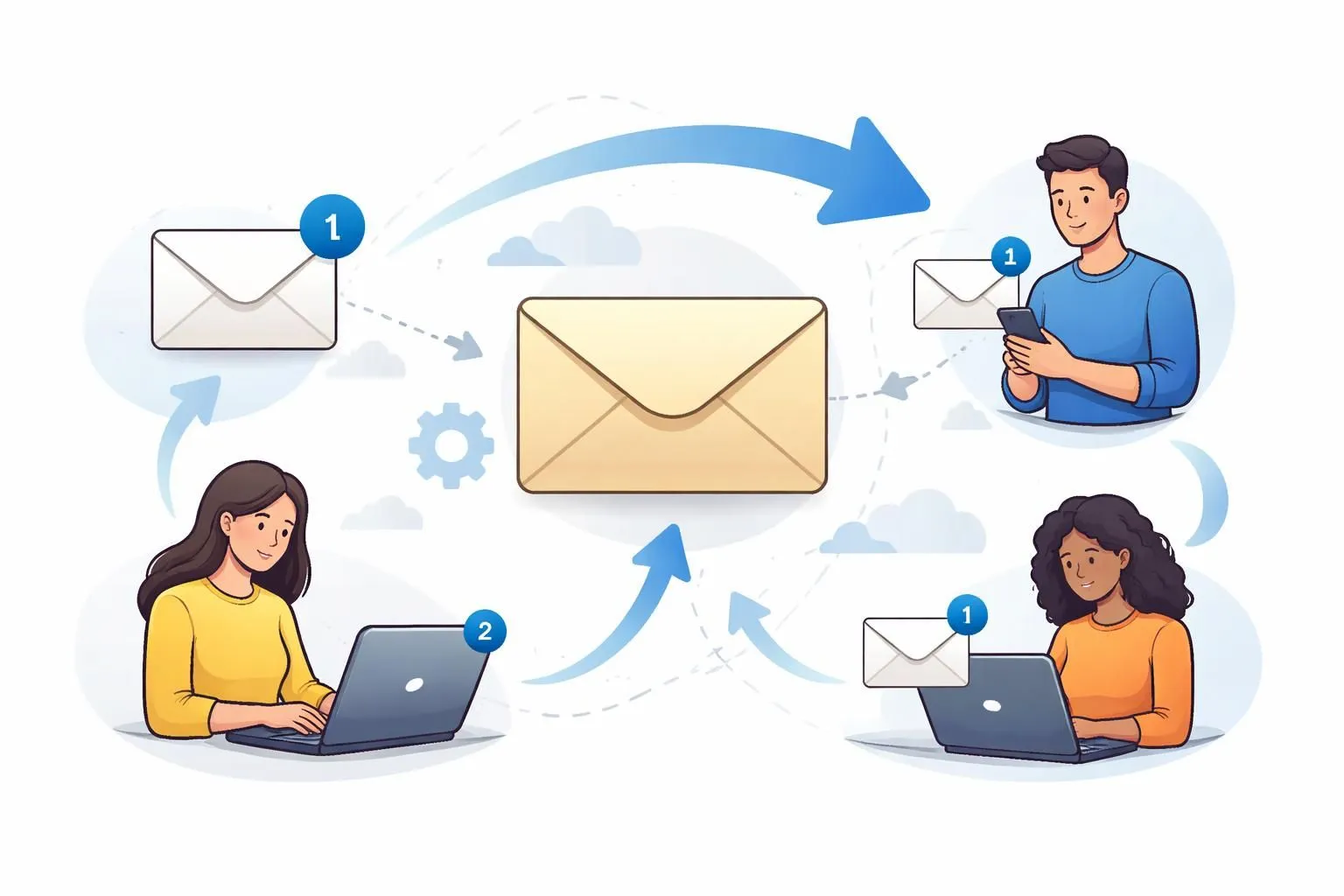
Anstatt E-Mails nur in einem temporären Posteingang zu empfangen, fungiert das System als E-Mail-Weiterleitung und leitet Nachrichten von Ihrer temporären Adresse an Ihre echte E-Mail-Adresse weiter.
Einfache Definition
Bei der temporären E-Mail-Weiterleitung handelt es sich um ein System, bei dem:
- Sie generieren eine Wegwerf-E-Mail
- An diese Adresse gesendete E-Mails werden vom System empfangen
- Das System leitet diese E-Mails automatisch an Ihren persönlichen Posteingang weiter
Dies ermöglicht Ihnen:
- Halten Sie Ihre echte E-Mail privat
- Erhalten Sie weiterhin wichtige Nachrichten
- Vermeiden Sie den Zugriffsverlust nach Ablauf
So funktioniert die Weiterleitung von Einweg-Mails
Um den Wert zu verstehen, müssen Sie den Mechanismus dahinter verstehen.
1. E-Mail-Generierung
Wenn Sie ThrowInbox besuchen, erstellt ein temporärer E-Mail-Generator sofort eine eindeutige Adresse.
Das könnte sein:
- Zufällige Benutzernamen
- Mehrere Domain-Optionen
- Automatisch generierte Posteingänge
Dies ähnelt einem Zufalls-E-Mail-Generator, verfügt jedoch über zusätzliche Funktionen.
2. Bearbeitung eingehender Post
Wenn jemand eine E-Mail an Ihre temporäre Adresse sendet:
- Das System empfängt es über seine Mailserver
- Die Nachricht wird verarbeitet und vorübergehend gespeichert
Dies ist derselbe Prozess, der in Standard-Einwegpostsystemen verwendet wird.
3. E-Mail-Weiterleitungsebene
Hier wird es interessant.
Anstatt die E-Mail nur in einem temporären Posteingang anzuzeigen:
- Das System fungiert als E-Mail-Weiterleitung
- Die Nachricht wird an Ihre echte E-Mail-Adresse weitergeleitet
Dieser Vorgang wird als temporäre E-Mail-Weiterleitung bezeichnet.
4. Lieferung an Ihren echten Posteingang
Nach der Weiterleitung:
- Die E-Mail erscheint in Ihrem persönlichen Posteingang (wie Gmail oder Outlook)
- Sie können es normal lesen und speichern
Dies löst eine der größten Einschränkungen von Wegwerf-E-Mails.
5. Automatischer Ablauf und Bereinigung
Auch wenn E-Mails weitergeleitet werden:
- Der temporäre Posteingang läuft noch ab
- Daten werden automatisch gelöscht
Dadurch bleiben die Datenschutzvorteile von Brenner-Mail erhalten.
Warum die temporäre E-Mail-Weiterleitung besser ist als normale temporäre E-Mails
Herkömmliche temporäre E-Mails sind nützlich – aber begrenzt.
Vergleichen wir:
| Funktion | Temporäre E-Mail | Temporäre E-Mail-Weiterleitung |
|---|---|---|
| Datenschutz | Hoch | Hoch |
| E-Mail-Aufbewahrung | Niedrig | Hoch |
| Bequemlichkeit | Mittel | Hoch |
| Gefahr des E-Mail-Verlusts | Hoch | Niedrig |
| Echter Posteingangszugriff | Nein | Ja |
Mit der Weiterleitung müssen Sie nicht ständig einen temporären Posteingang überwachen oder sich Sorgen machen, dass wichtige Nachrichten verloren gehen.
Vorteile der Verwendung der temporären E-Mail-Weiterleitung
1. Schützen Sie Ihre echte E-Mail-Adresse
Mit einem Brenner-E-Mail-Generator geben Sie Ihre eigentlichen E-Mails niemals an unbekannte Plattformen weiter.
2. Vermeiden Sie Spam vollständig
Spam landet in Ihrem temporären E-Mail-Postfach, nicht in Ihrem Hauptposteingang. Es werden nur relevante E-Mails weitergeleitet.
3. Verlieren Sie niemals wichtige E-Mails
Im Gegensatz zu herkömmlichen 10-Minuten-Mails stellt die Weiterleitung sicher, dass Sie den Zugriff auf wichtige Nachrichten nicht verlieren.
4. Bleiben Sie anonym
Ein Generator für gefälschte E-Mails hilft Ihnen, online zu interagieren, ohne Ihre Identität preiszugeben.---
5. Vereinfachen Sie die E-Mail-Verwaltung
Anstatt mit mehreren Posteingängen zu jonglieren, kommt alles an einen Ort.
6. Perfekt für Verifizierungen und OTPs
Verwenden Sie für Anmeldungen eine Wegwerf-E-Mail und erhalten Sie trotzdem sicher Bestätigungs-E-Mails.
7. Bessere Kontrolle über die Kommunikation
Sie entscheiden, wann Sie temporäre E-Mails verwenden und wann Sie wieder zu Ihrer echten E-Mail wechseln.
Anwendungsfälle aus der Praxis
1. Anmeldung für neue Dienste
Verwenden Sie eine temporäre E-Mail-Adresse, um langfristigen Spam zu vermeiden.
2. Zugriff auf kostenlose Ressourcen
Laden Sie E-Books, Tools oder Vorlagen per Einweg-Mail herunter.
3. Anwendungen testen
Entwickler können zum Testen von Arbeitsabläufen einen Zufalls-E-Mail-Generator verwenden.
4. Schutz vor Datenlecks
Selbst wenn eine Plattform gehackt wird, bleibt Ihre echte E-Mail sicher.
5. Online-Marktplätze und Foren
Verwenden Sie eine Brenner-Mail für temporäre Interaktionen.
So verwenden Sie die ThrowInbox-E-Mail-Weiterleitung
Schritt 1: Besuchen Sie ThrowInbox
Öffnen Sie ThrowInbox in Ihrem Browser.
Schritt 2: Generieren Sie eine temporäre E-Mail
Verwenden Sie den temporären E-Mail-Generator, um eine neue Adresse zu erhalten.
Schritt 3: Weiterleitung aktivieren
Geben Sie Ihre echte E-Mail-Adresse ein, um die temporäre E-Mail-Weiterleitung zu aktivieren.
Schritt 4: Verwenden Sie die temporäre E-Mail
Melden Sie sich an oder interagieren Sie online mit Ihrer temporären E-Mail-Adresse.
Schritt 5: E-Mails in Ihrem Posteingang empfangen
Alle Nachrichten werden sofort an Ihre echte E-Mail-Adresse weitergeleitet.
Schritt 6: Ablaufen lassen
Die temporäre E-Mail läuft automatisch ab, um den Datenschutz zu gewährleisten.
Tipps zur effektiven Nutzung der temporären E-Mail-Weiterleitung
1. Verwendung für nicht vertrauenswürdige Websites
Verwenden Sie immer eine Wegwerf-E-Mail, wenn Sie sich bei einer Plattform nicht sicher sind.
2. Vermeiden Sie sensible Konten
Verwenden Sie Brennermail nicht für Bankgeschäfte oder wichtige Dienstleistungen.
3. Überwachen Sie Ihren Posteingang
Auch wenn E-Mails weitergeleitet werden, bleiben Sie auf der Hut vor Spam- oder Phishing-Versuchen.
4. Verwenden Sie unterschiedliche E-Mails für unterschiedliche Zwecke
Kombinieren:
- Primäre E-Mail-Adresse
- Sekundäre E-Mail
- Temporäre E-Mail
5. Temporäre E-Mails regelmäßig aktualisieren
Verwenden Sie einen Zufalls-E-Mail-Generator, um den Datenschutz zu wahren.
6. Seien Sie sich der Filterung bewusst
Einige E-Mails sind möglicherweise als Spam markiert – überprüfen Sie Ihren Spam-Ordner.
Call-to-Action (CTA)
Wenn Sie Ihren Posteingang schützen möchten, ohne wichtige E-Mails zu verpassen, ist die temporäre E-Mail-Weiterleitung die intelligenteste Lösung.
ThrowInbox bietet Ihnen leistungsstarke Tools, um temporäre E-Mails zu generieren, einen temporären E-Mail-Generator zu verwenden und eine nahtlose temporäre E-Mail-Weiterleitung zu ermöglichen – alles an einem Ort.
Keine Anmeldung. Kein Ärger. Einfach saubere, private und effiziente E-Mail-Bearbeitung.
Beginnen Sie noch heute mit der Nutzung von ThrowInbox und erleben Sie die nächste Stufe der E-Mail-Privatsphäre und -Kontrolle.
Häufig gestellte Fragen
Klare Antworten zu Sicherheit, OTPs, Laufzeit, Wiederherstellung und Legalität.
Was ist eine temporäre E-Mail-Weiterleitung?
Es handelt sich um ein System, bei dem E-Mails, die an eine temporäre E-Mail-Adresse gesendet werden, automatisch an Ihren echten Posteingang weitergeleitet werden.
Ist die E-Mail-Weiterleitung sicher?
Ja, bei Verwendung vertrauenswürdiger Plattformen ist die allgemeine Verwendung sicher.
Kann ich auf weitergeleitete E-Mails antworten?
Sie können von Ihrem echten Posteingang aus antworten, es wird jedoch Ihre tatsächliche E-Mail-Adresse verwendet.
Wie lange ist eine temporäre E-Mail gültig?
Einige Dienste bieten eine zehnminütige E-Mail an, während andere eine längere Dauer ermöglichen.
Was ist der Unterschied zwischen Einwegpost und Weiterleitung?
Die Wegwerfpost empfängt E-Mails nur vorübergehend, während die Weiterleitung sie an Ihren echten Posteingang sendet.
Kann ich dies für die OTP-Verifizierung verwenden?
Ja, die temporäre E-Mail-Weiterleitung funktioniert gut für OTPs und Verifizierungslinks.
Blockieren Websites temporäre E-Mails?
Einige tun dies, aber viele Dienste rotieren Domänen, um funktionsfähig zu bleiben.